In short
SenseNova U1.6, an 8B SenseTime model out 24 November, is Apache 2.0 and native in ComfyUI 0.46: a 17.6 GB INT8 file, 8 steps at CFG 1 or 50 at CFG 4, and a self-correction loop that rereads its own poster text. One tester saw it fix 7 of 14 flawed posters. Its card warns about limbs in portraits, so use it for text and keep H3 Image or a LoRA for the face.
If your character posts a weekly poster, a menu or a launch card with words on it, the open model that spells best matters as much as the one that holds the face. SenseNova U1.6, an 8B model from SenseTime released on 24 November 2026, is built for exactly that: it draws the image, checks it against your prompt, and redraws the text it got wrong. Its weights and code are under Apache 2.0, per the model card, and it runs natively in ComfyUI from v0.46.0.
We did not render U1.6 ourselves. This review reads SenseTime's card, repository and file listings, Comfy's tutorial and official template, and the first hands-on numbers people posted, each attributed below. The question for a character feed: what should U1.6 do, and what should it leave to the model you already run?
SenseNova U1.6 specs
SenseNova U1.6 at a glance
- Maker
- SenseTime (SenseNova), released 24 Nov 2026
- Model
- SenseNova-U1.6-8B-MoT, one checkpoint that understands, generates and edits
- License
- Apache 2.0, weights and code
- ComfyUI
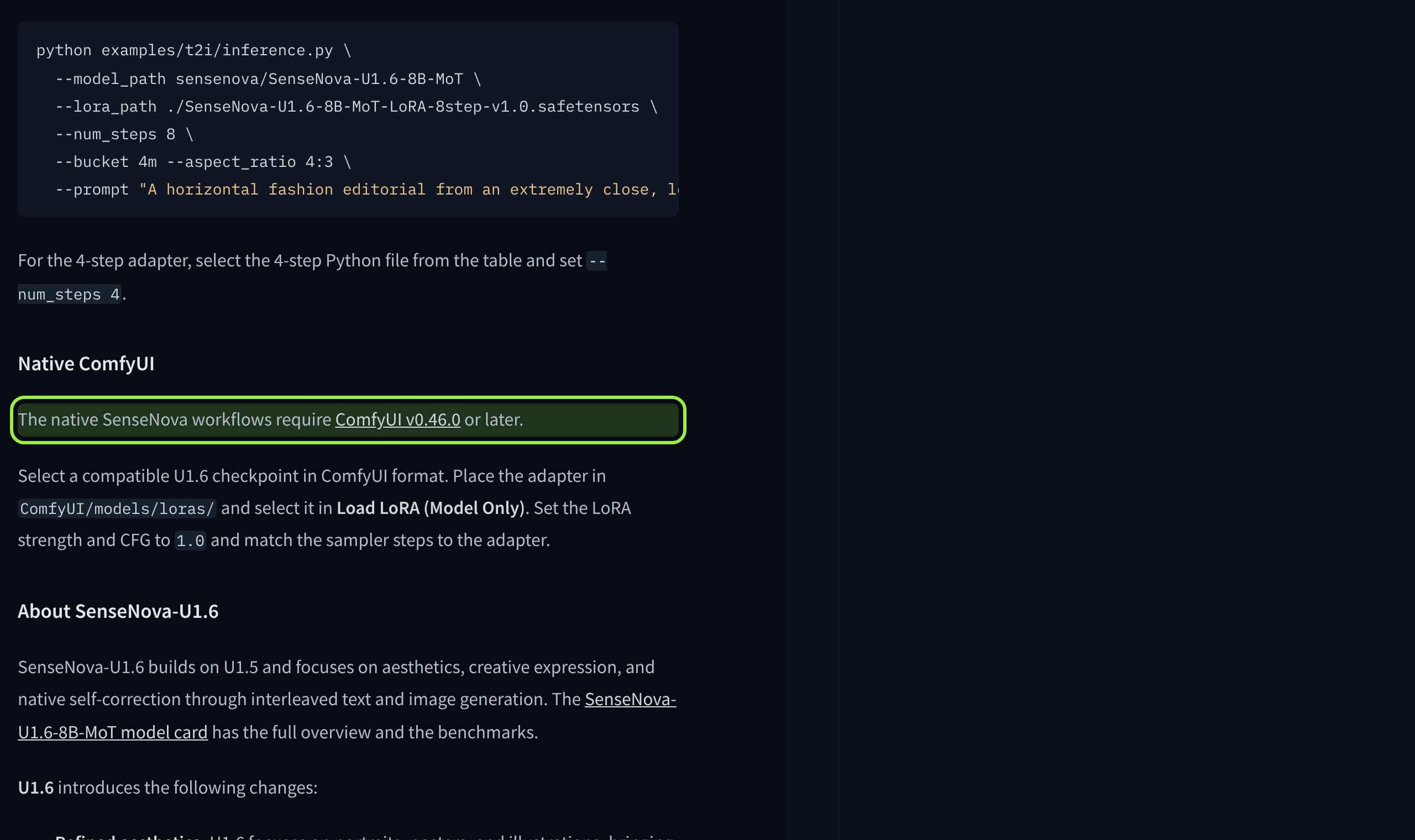
- Native from v0.46.0 (18 Nov), official text-to-image and image edit templates
- ComfyUI files
- int8_convrot 17.63 GB or bf16 35.07 GB, 8-step LoRA 0.81 GB
- Settings
- Turbo: 8 steps, CFG 1.0, LoRA 1.0. Quality: 50 steps, CFG 4.0
- Default size
- 4:3 at 4 MP, 2368 × 1760
- Self-correction
- Generate, review, refine, up to 5 passes
- Edit references
- Up to 5, with 1 to 4 the useful range
- Official hardware
- 24 GB GPU and 64 GB RAM for the balanced mode
The short answer
- Use U1.6 for anything with words on it. Posters, menus, carousels with a headline: it is the only model in ComfyUI core we know of that proofreads its own text, and it is Apache 2.0.
- Do not make it your face model. SenseTime's own card warns about limb proportions and poses in portraits and lists small human details as less reliable. Keep MiniMax H3 Image or a character LoRA for the recurring face.
- It matters most where H3 Image's license shuts you out. H3 Image's community license excludes the EU, the UK, the US and South Korea. U1.6 has no such clause.
SenseNova U1.6 vs MiniMax H3 Image
H3 Image is the most downloaded image model on today's Hugging Face trending list, with 1,084,642 downloads last month. Here is how U1.6 lines up against it on the rows that decide a feed.
| What | SenseNova U1.6 | MiniMax H3 Image |
|---|---|---|
| Size | 8B, unified (text and image in one model) | 33.1B diffusion model plus a 32B text encoder |
| License | Apache 2.0 | Community license: excludes EU, UK, US, South Korea; authorization above 1 million USD revenue |
| Fast mode | 8-step LoRA, CFG 1.0 | 6 steps, no CFG |
| Default output | 2368 × 1760 (4 MP) | About 16 MP |
| Reference images | Up to 5 (1 to 4 useful) | Up to 16 |
| Text on the image | Self-correction loop, up to 5 passes | Single pass |
| Biggest ComfyUI file | 17.63 GB INT8 checkpoint | 27.14 GB INT8 text encoder |
| In ComfyUI since | v0.46.0 (18 Nov 2026) | v0.45.0 (10 Nov 2026) |
What self-correction actually does
Most image models make one pass and hand you whatever came out. U1.6's card describes a loop: generate an infographic, review it against the prompt, fix text errors while keeping the typography and layout. In ComfyUI's template this is a SenseNova Conditioning node set to self-correction, inside a loop that runs at most 5 times before SenseNova Interleave Decode writes the image.
Each pass is another sampling run. Comfy's tutorial says to switch it on for text-heavy layouts and off for plain portraits.
SenseTime's number for the loop is modest and honest: a 7% average relative improvement over a single pass on UltraTextBench's dense infographics. The one public consumer-card test we found agrees it helps without finishing the job. As written up by AGI Hunt, a Reddit tester ran 32 posters on a 16 GB RTX 4070 Ti SUPER: 18 were clean on the first pass, 7 were caught and fixed, and 7 still went out wrong.
So the loop turned 18 usable posters into 25. That is worth the extra time on a carousel cover, and it is not a reason to skip reading the poster before you post it. One in five still needed a human.
Speed and memory on real cards
SenseTime's quick start asks for a 24 GB GPU and 64 GB of system RAM in its balanced mode, and about 35 GB of disk for the full weights. Comfy-Org's INT8 file is 17.63 GB, the one the official template loads.
The only timings we found come from KOBO Lab, summarized by Airmore: an RTX 5090 with 32 GB, ComfyUI 0.46.2, the INT8 checkpoint at 2368 × 1760. The full 50-step quality mode took 28.02 s after loading; the 8-step LoRA took 5.23 to 5.45 s. Peak GPU use was about 20.8 GB, including memory already in use.
Source: KOBO Lab timings, via Airmore
A 16 GB card is not ruled out. The AGI Hunt write-up reports a peak of 15.5 to 15.7 GB at 4 MP in turbo mode on the 4070 Ti SUPER, with ComfyUI swapping parts of the 17.6 GB file in and out. Expect it to be slower than the 5090 numbers, and add a pass for every round of self-correction.
The face question
U1.6's card lists portraits first among its strengths: film looks, direct flash, tight framing. It also says, in its own limitations, that U1.6 can sometimes produce unnatural limb proportions or poses in generated portraits, and that results are less reliable with small human details and edits that involve several reference images.
For a recurring character that is the part that counts. Edits take up to 5 references, per Comfy's tutorial, against 16 for H3 Image, and this release has no multi-turn editing: to chain edits you save the result and load it again. We found no LoRA trainer that supports U1.6 yet, so the LoRA route to a fixed face is closed for now.
Our split for a feed: render the character on the model that already holds her face, let U1.6 draw the poster or the text card around an empty space, then composite. Both steps run in the same ComfyUI.
How to run it in ComfyUI
- 1
Update ComfyUI to 0.46.0 or newer
The SenseNova nodes are in core from v0.46.0. If the template opens with red nodes, your install is older or a node failed to import; see our guide to missing nodes.
- 2
Download two files from Comfy-Org
From Comfy-Org/SenseNova-U1: the INT8 ConvRot checkpoint (17.63 GB) into
models/checkpoints, and the 8-step LoRA (0.81 GB) intomodels/loras. The template lists the exact file names. - 3
Open the official template
Templates, then SenseNova U1.6: Text to Image. The optional prompt expander needs an 8.82 GB Qwen3.5-9B encoder; skip it if you write full prompts.
- 4
Pick a mode
Turbo: LoRA at 1.0, 8 steps, CFG 1.0. Quality: no LoRA, 50 steps, CFG 4.0.
- 5
Write long prompts and quote the copy
The card says short prompts look conventional. Put every word that must appear in quotes, in English.
- 6
Self-correction on for text, off for faces
Each pass is another sampling run. Use it on posters and infographics; leave it off for portraits.
What creators are saying
“Please add W4A8 quantization support”
A tester's 32 posters: 18 clean, 7 fixed by self-correction, 7 missed. One redraw also dropped a credit line that its own correction note asked to keep.
The same tester advises English prompts, after 0 of 8 Chinese-prompt runs flagged any error, and updating ComfyUI first, since older templates had the self-correction switch wired backwards.
A six-prompt comparison on a Mac Studio saw bigger changes from U1.5 in posters and storybook illustrations than in portraits.
“Native self-correction is an optional, multi-step protocol, not a guarantee of correct output.”
ComplaintDEV Community
Verdict
SenseNova U1.6 is the best reason this month to keep a second image model installed. It is permissive, it is in ComfyUI core with templates, it costs about five seconds an image in turbo mode on a fast card, and it is the only open model we know that rereads its own text. For a creator in the EU, UK, US or South Korea, it is also a poster model the license actually lets you use. Released the same day, NVIDIA's research-only rival loses to it on paper too: see SenseNova U1.6 vs Nemotron Labs Image.
It is not a character model. Its makers flag portraits for limbs and small details, it takes fewer references than H3 Image, and nothing trains a LoRA for it yet. Use it for the words; keep the face where it already lives. Our 2026 ranking of open image models and the license check of 13 models place it among the alternatives.
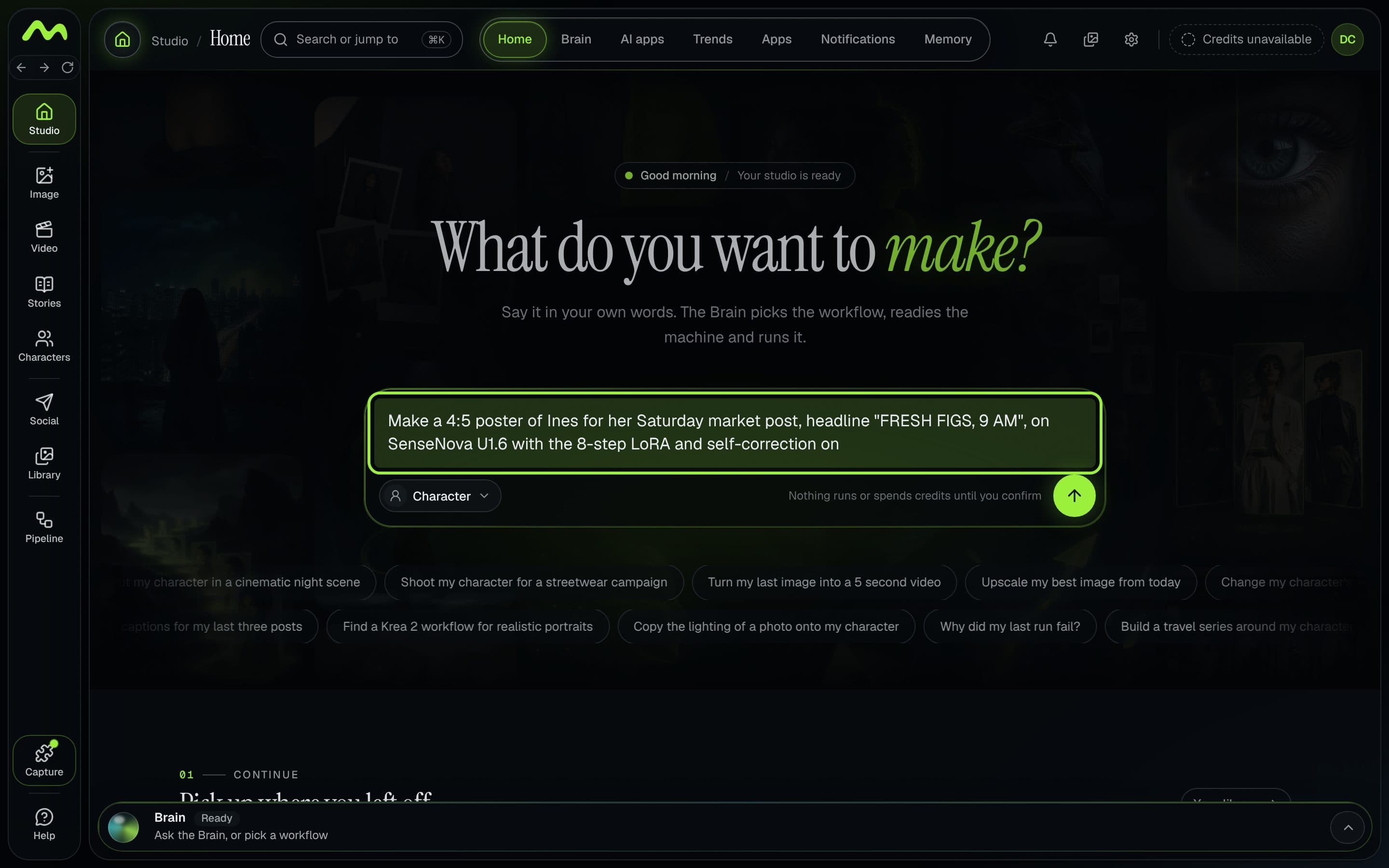
If you run your character on your own ComfyUI, Musetta installs the models and nodes a workflow is missing and keeps each character's reference photos in one place, so a new model like U1.6 can sit next to the one that holds the face. See how it compares with plain ComfyUI.
Questions
- Is SenseNova U1.6 free for commercial use?
- Yes, per its model card: the weights and the code are under the Apache 2.0 License. Unlike MiniMax H3 Image's community license, it has no excluded territories and no revenue threshold.
- How much VRAM does SenseNova U1.6 need in ComfyUI?
- SenseTime plans for 24 GB of GPU memory and 64 GB of RAM in its balanced mode. Comfy-Org's INT8 checkpoint is 17.63 GB; one tester reports a 15.5 to 15.7 GB peak at 4 MP in turbo mode on a 16 GB RTX 4070 Ti SUPER, with ComfyUI offloading.
- How fast is SenseNova U1.6?
- KOBO Lab's timings, reported by Airmore, on an RTX 5090 at 2368 × 1760 with the INT8 file: 5.23 to 5.45 s with the 8-step LoRA, 28.02 s at 50 steps. Every self-correction pass adds a sampling run.
- Can SenseNova U1.6 keep my AI influencer's face consistent?
- Not reliably. Its card warns about limb proportions and poses in portraits and small human details, edits take up to 5 references, and we found no LoRA trainer that supports it yet. Keep your face model and use U1.6 for posters and text.
- Which ComfyUI version supports SenseNova U1.6?
- v0.46.0 (18 November 2026) or newer. It added the SenseNova self-correction and interleaved generation support and the ModelSamplingSenseNova node, and the official templates require it.
Sources
- 01sensenova/SenseNova-U1.6-8B-MoT model card · SenseTime, Hugging Face, 2026-11
- 02SenseNova-U1 repository · SenseTime, GitHub, 2026-11-24
- 03SenseNova-U1.6-8B-MoT-LoRAs · SenseTime, Hugging Face
- 04SenseNova-U1.6-8B-MoT-Native · SenseTime, Hugging Face
- 05SenseNova-U1.6-8B-MoT-GGUF · SenseTime, Hugging Face
- 06Comfy-Org/SenseNova-U1 repackaged files · Comfy-Org, Hugging Face
- 07SenseNova U1.6 in ComfyUI: Text to Image and Image Edit · ComfyUI docs
- 08ComfyUI changelog (v0.46.0) · ComfyUI docs, 2026-11-18
- 09SenseNova U1.6 text-to-image template · Comfy-Org, GitHub
- 10Testing SenseNova U1.6 Self-Correction on 32 posters · AGI Hunt
- 11SenseNova U1.6 Review · Airmore
- 12SenseNova U1.6 Adds Native Image Self-Correction · DEV Community
- 13Request for W4A8 quantization · Hugging Face discussions
- 14MiniMaxAI/MiniMax-H3-Image model card · MiniMax, Hugging Face
Researched and written by the Musetta editorial desk with AI assistance, from the sources above. Numbers come from those sources; nothing is benchmarked by us unless the article says so. Spotted an error? Tell us on Discord and we fix it.