The studio
Every tool in one studio, and a Brain that runs them.
One app for your characters, your models and your ComfyUI workflows. Every tool shares the same character and the same library, and the Brain does the setup you used to lose whole evenings to.
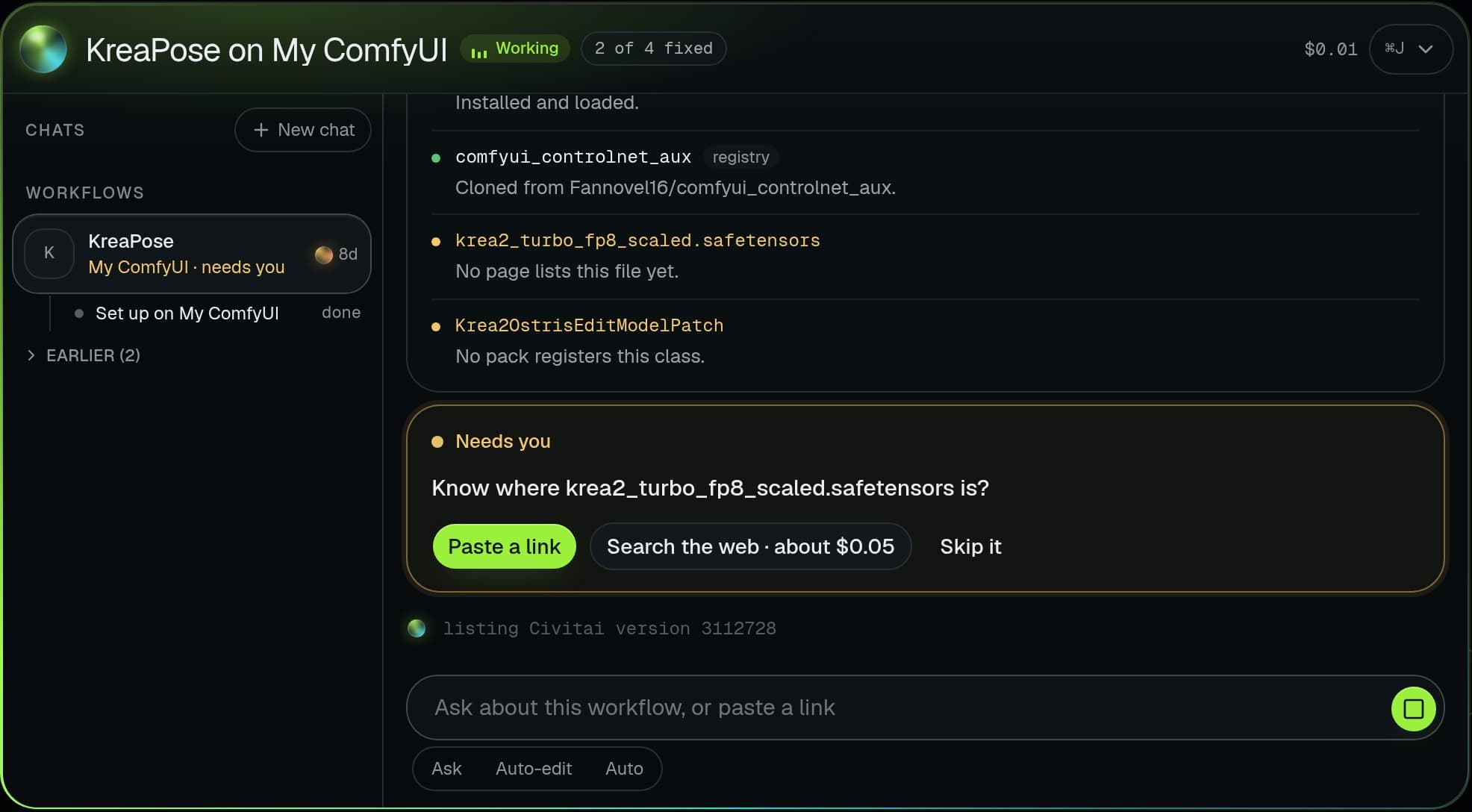
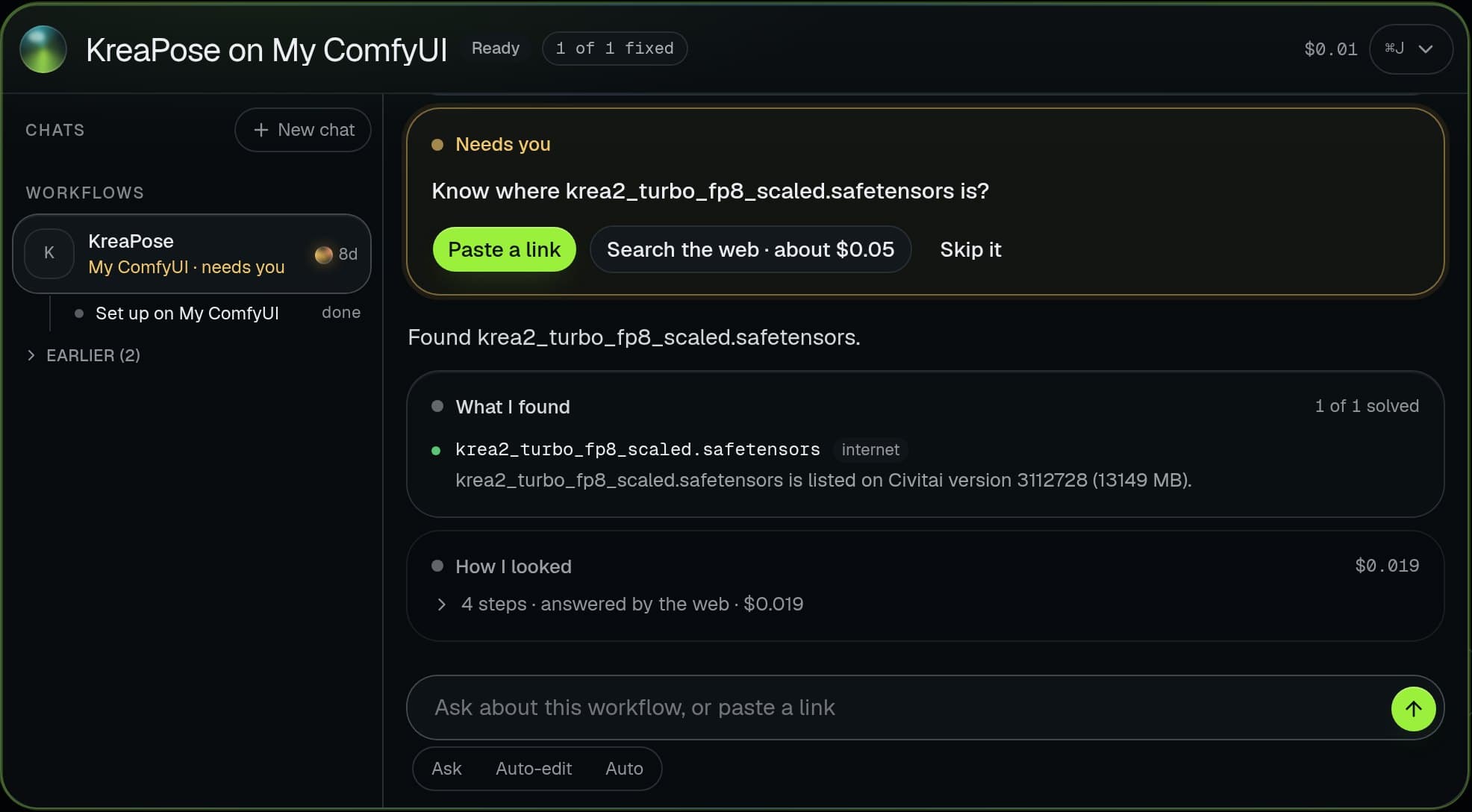
The Brain gets any workflow running.
- Opens any ComfyUI or Civitai workflow and finds every missing node pack and model
- Installs the node packs and downloads the exact model files, on your machine or a rented GPU
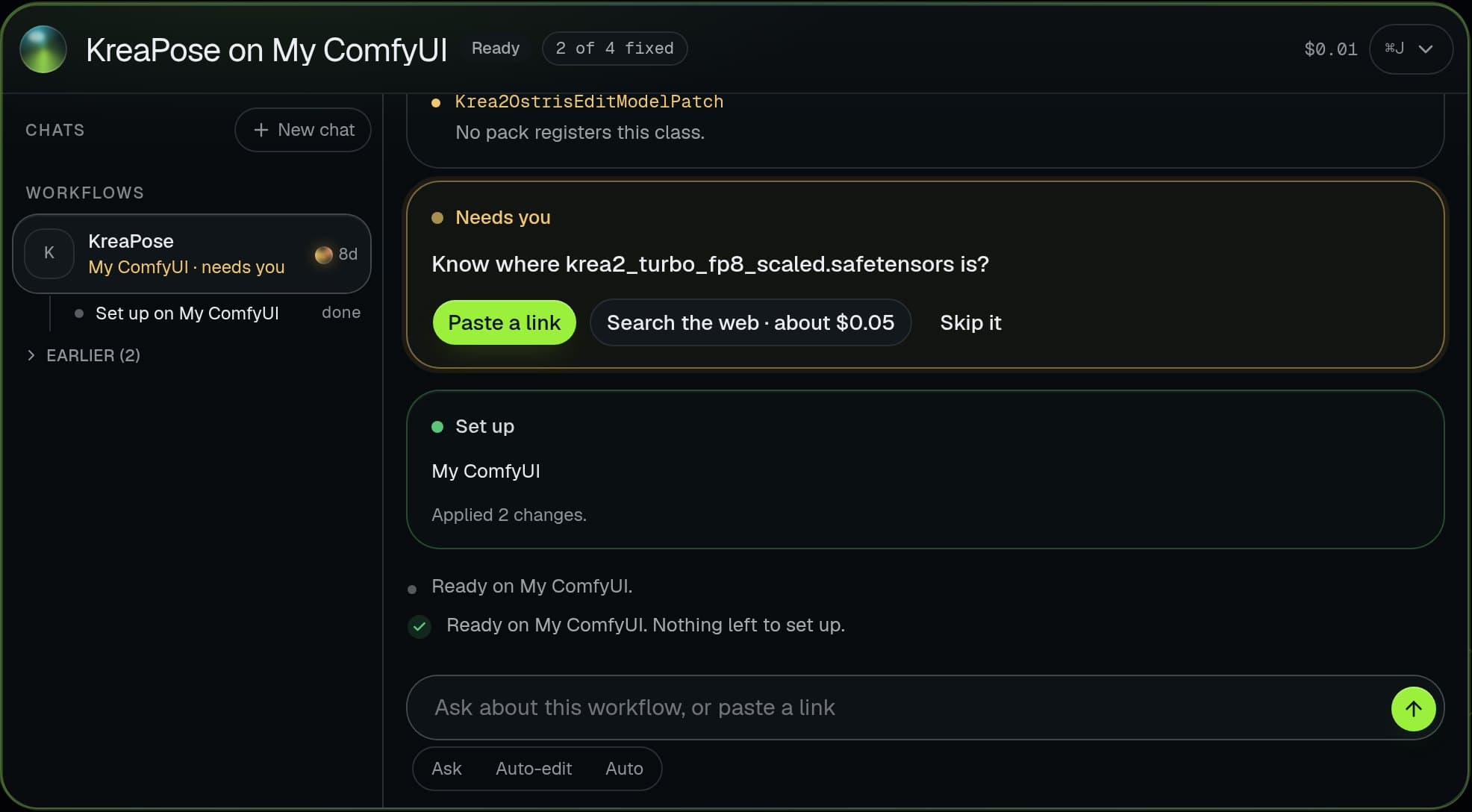
- Repairs broken graphs on its own until the workflow runs
- Tests before it says ready, and tells you plainly if something cannot be fixed
- Remembers every fix, so the next workflow sets up faster
- Plans and runs whole shoots with the studio’s tools, and asks before anything costs money
You pick how much it does alone: Ask, Auto-edit or Auto. Every step has a Stop.
Image
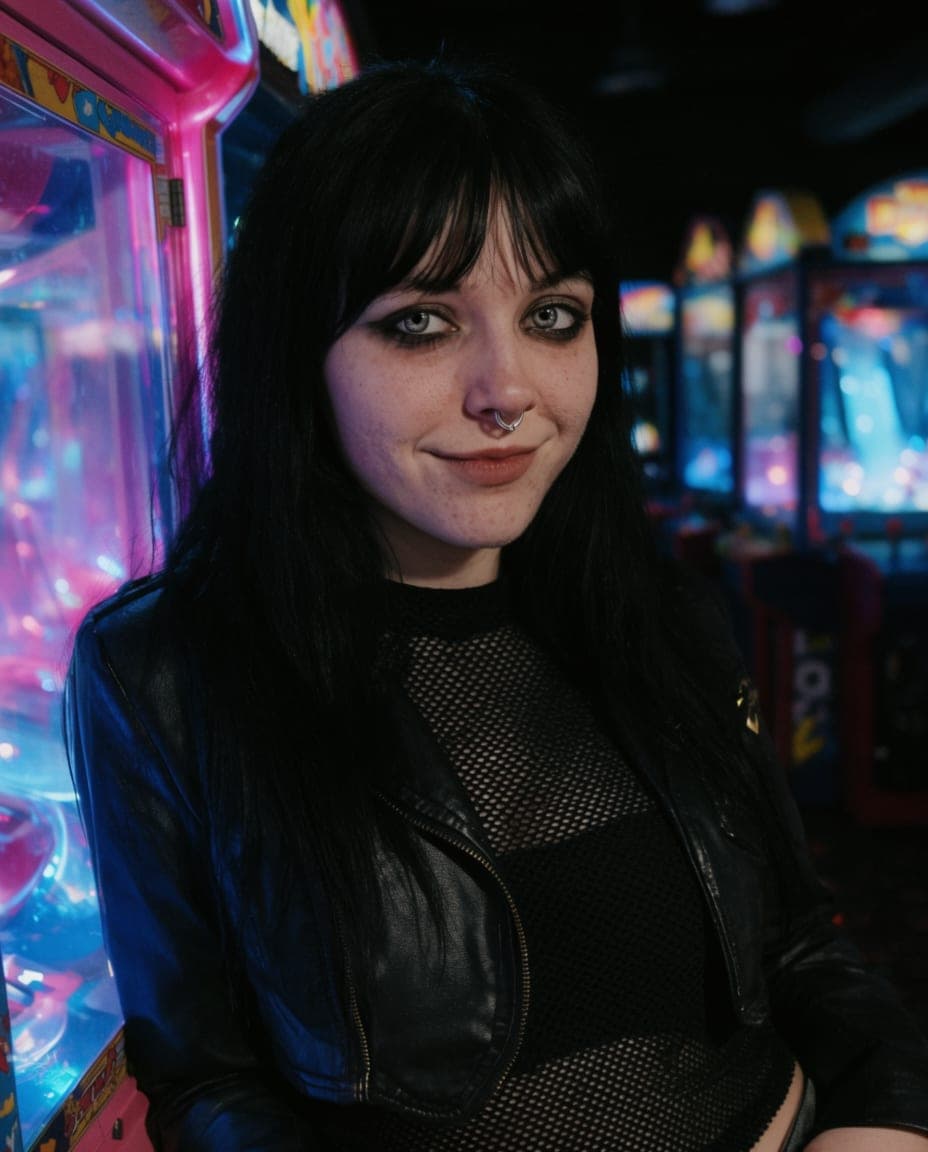
Make and change pictures of your character, with any model you have.
Create
Generate images and clips with any model you have, and a character you have defined.
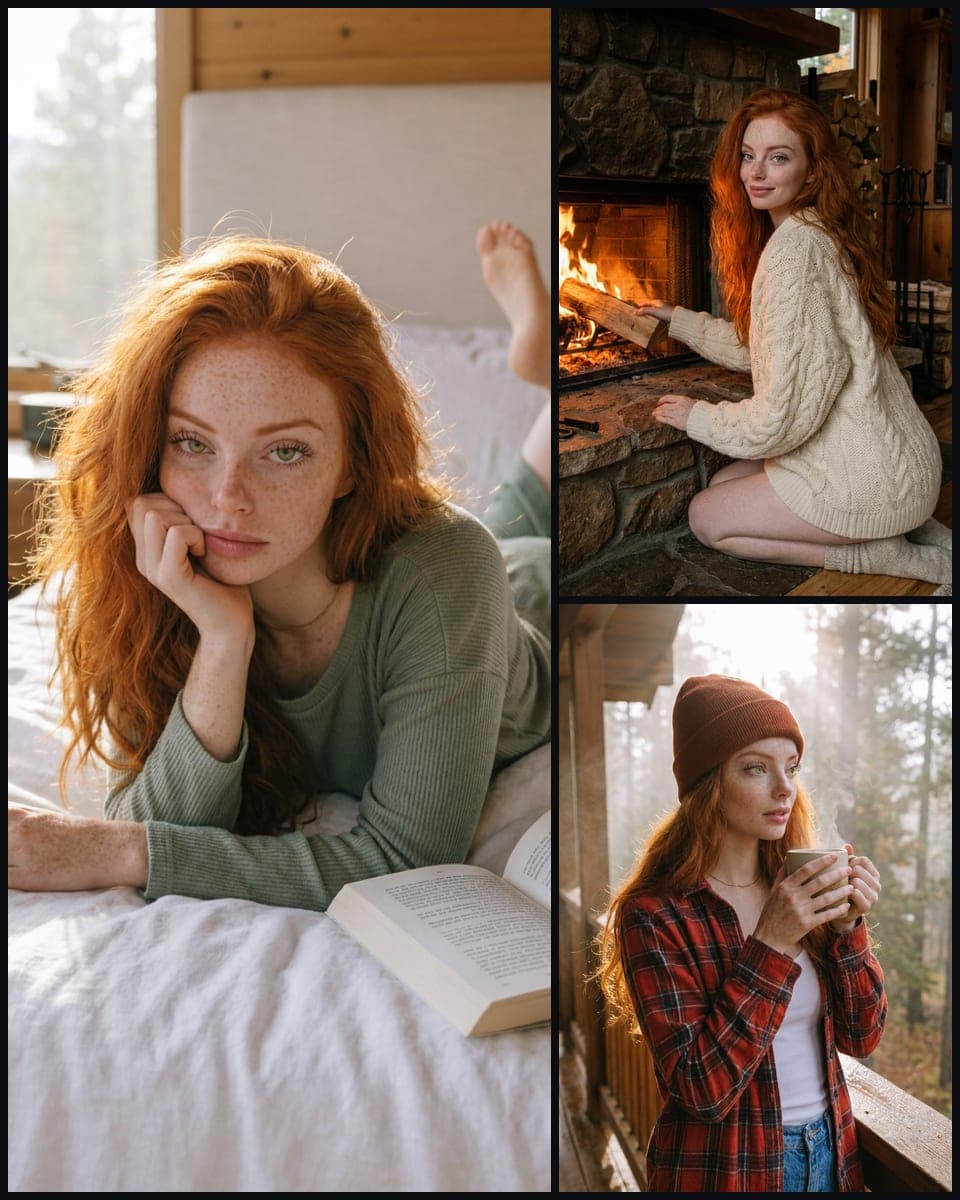
Photoshoot
Build a themed set of shots for a character. The studio drafts the list, you edit it, then it runs as one batch.


Edit
Change part of an image, or put a different person in it. Everything else stays untouched.
Drag to compare. Only the outfit changed.

 Reference
Copy
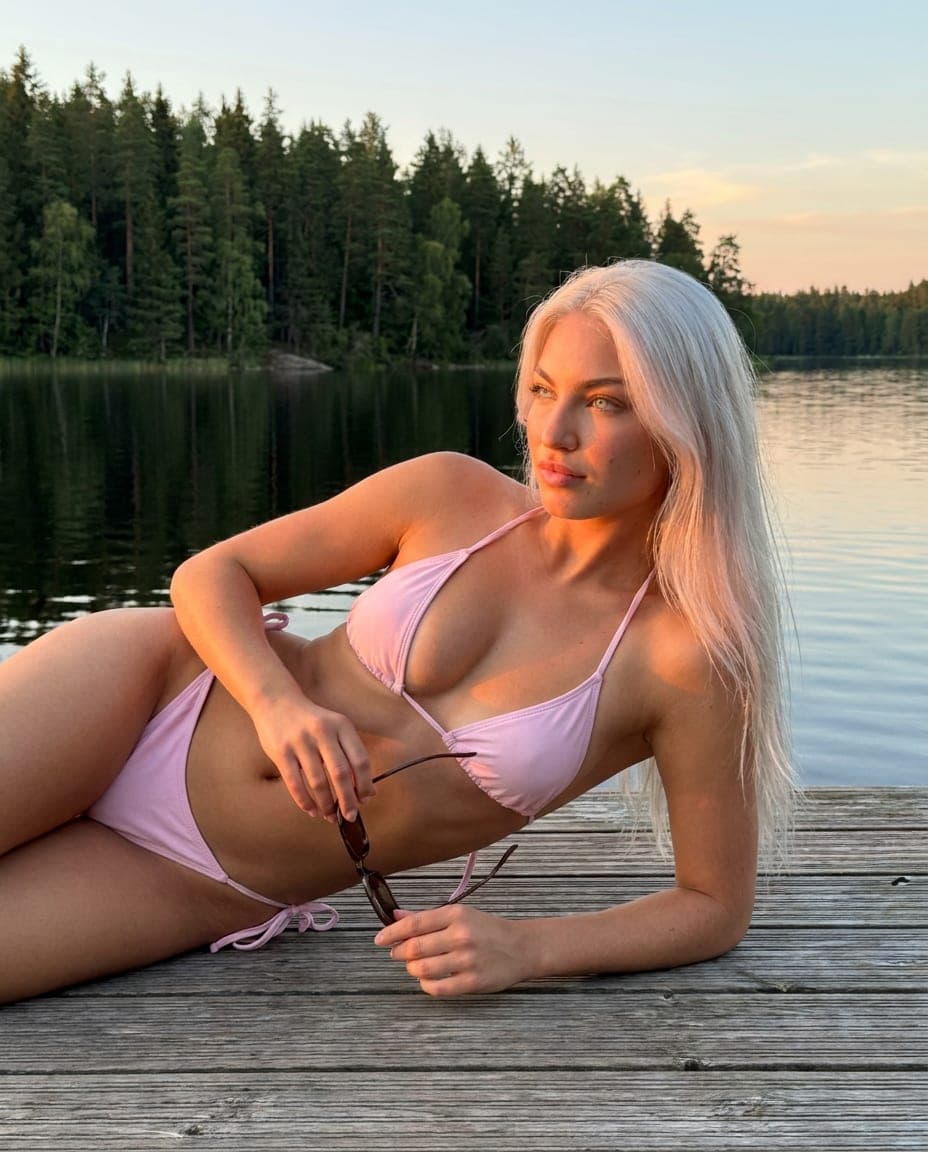
Copy one quality, like a pose or camera angle, from a reference image onto a target image.
The camera angle came from the reference in the corner. Her, her outfit and her rooftop stayed.
 Reference
Pose
Generate someone new in a pose you give it. The reference sets the body position and nothing else.
The pose came from the reference in the corner. The person, place and light are new.
Enhance
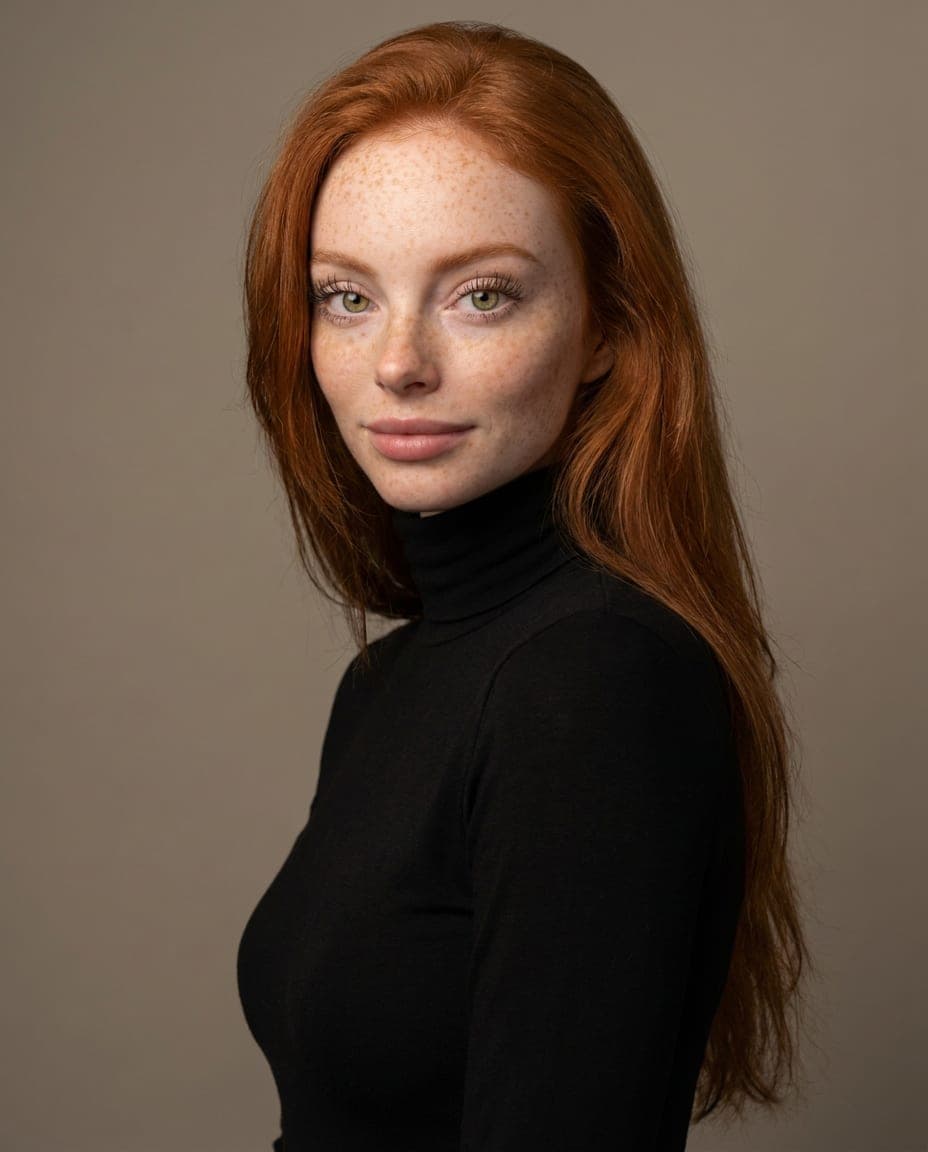
Make any image bigger and sharper, from a quick upscale to a full restore.
Drag to compare. An example of an upscale and restore.
Brainstorm
A rough idea in, three shootable directions out. Each one is a click away from being your next prompt.
Video
Move your character: from a prompt, from a still, or from someone else’s motion.
Video
Generate a clip from a prompt, or animate an image you already made.
Perform
Give the studio a video and a character, and get that character performing the motion.
Lipsync
Sync a portrait or video to an audio track, mouth movement matched to the words.
ComingAudio
Turn text into spoken audio, optionally matched to a reference voice.
Coming
Characters
One person, defined once, recognisable in every tool.
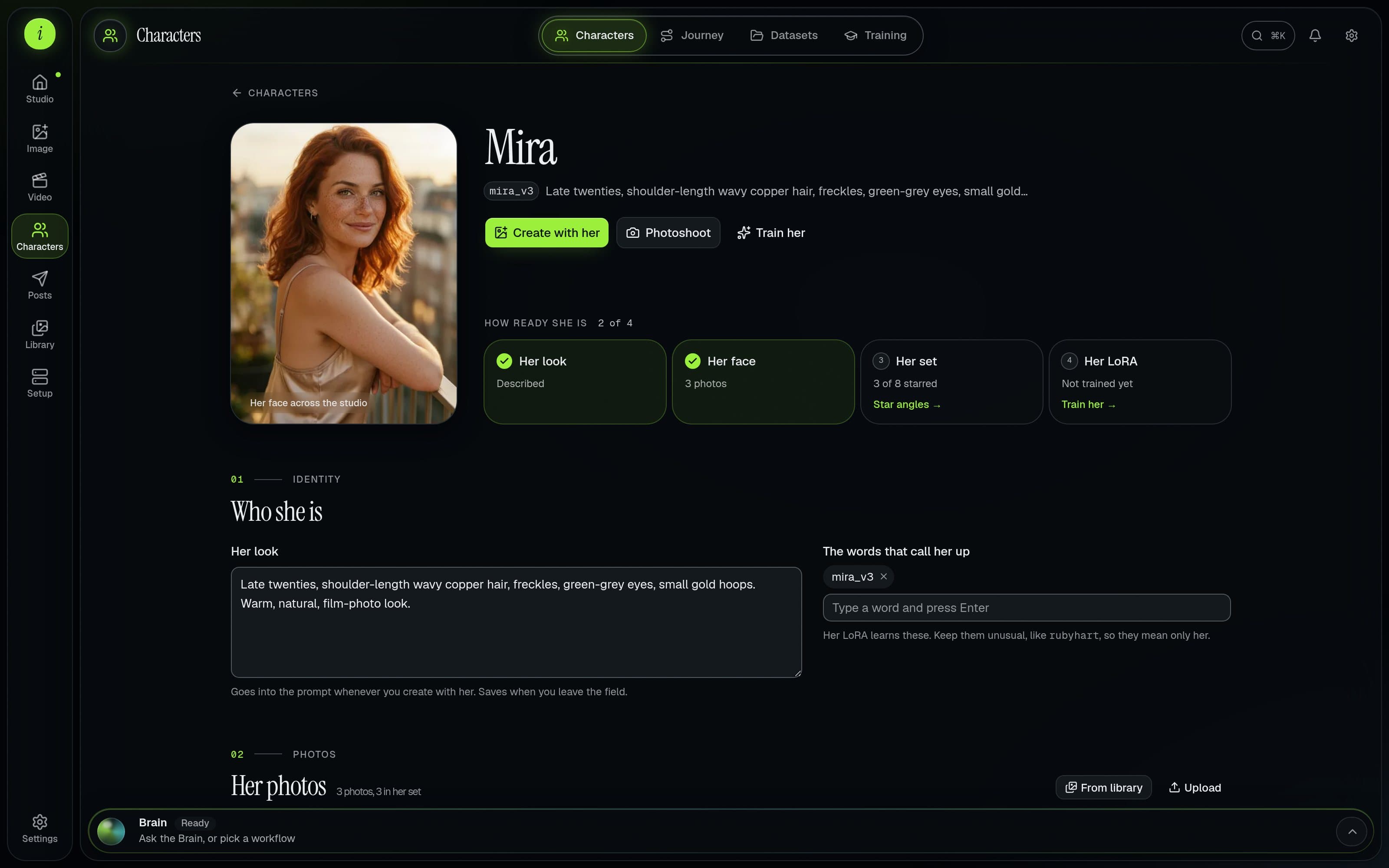
Characters
The people you make content with. Open one to shape her look, pick her face and train her.
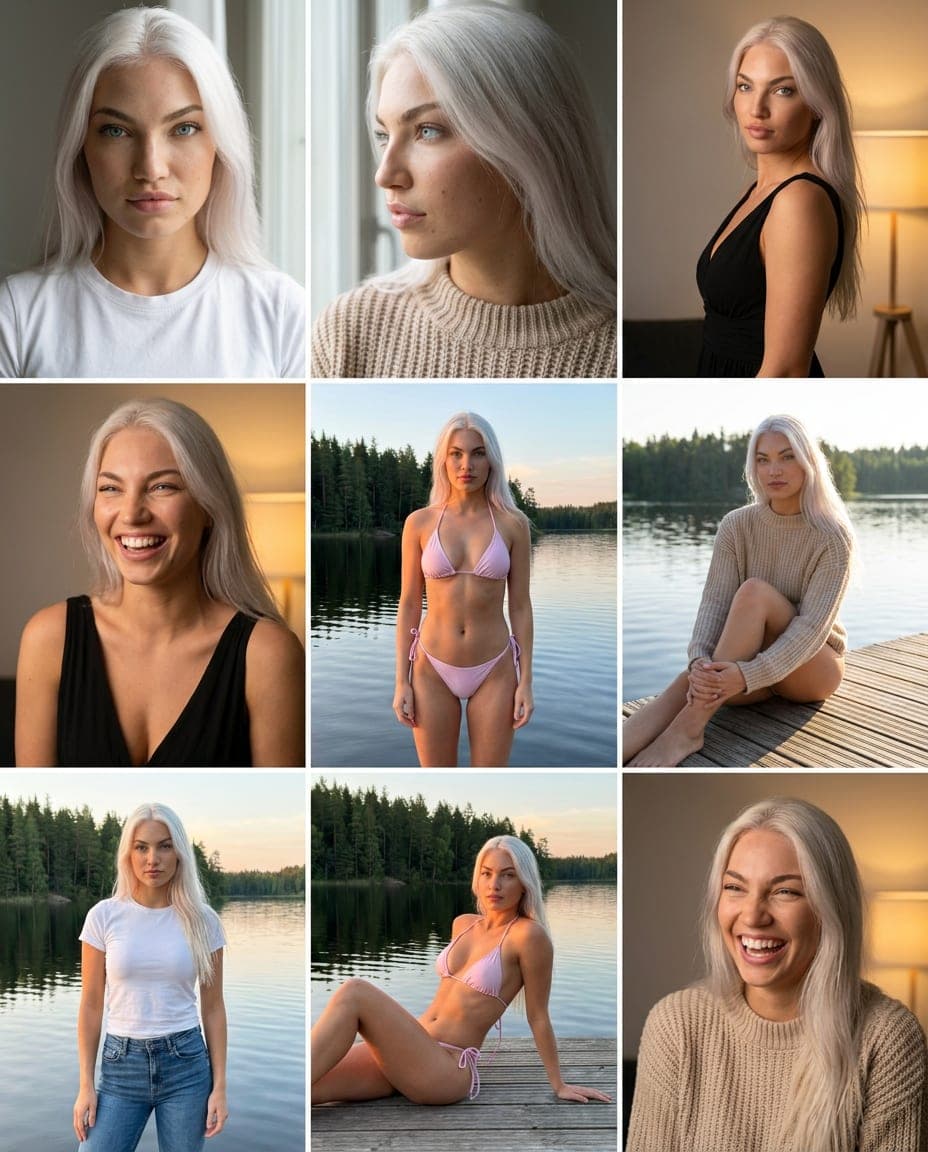
Datasets
Collect the photos your character learns from, caption them, then train her.
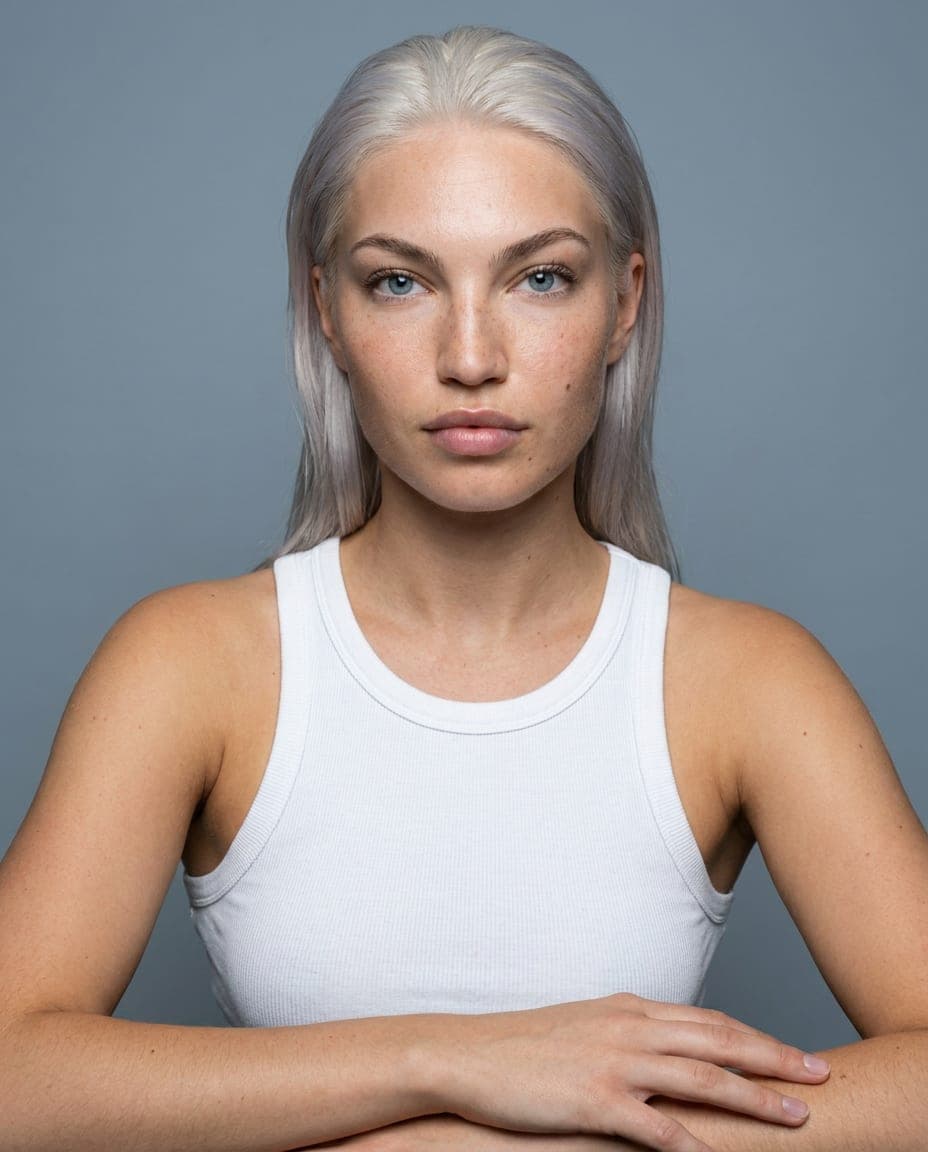
Training
Train her own LoRA on a GPU rented by the hour, watch it live, and keep the file.
Captions
Write ready-to-post captions in a chosen style, point of view, tone and length, for a character.
Posts
From finished work to your accounts.
Publish
Connect accounts and queue posts to send to them.
ComingAnalytics
See how your published posts perform, once accounts are connected.
Coming
Library and setup
Your files, your workflows and the machines they run on.
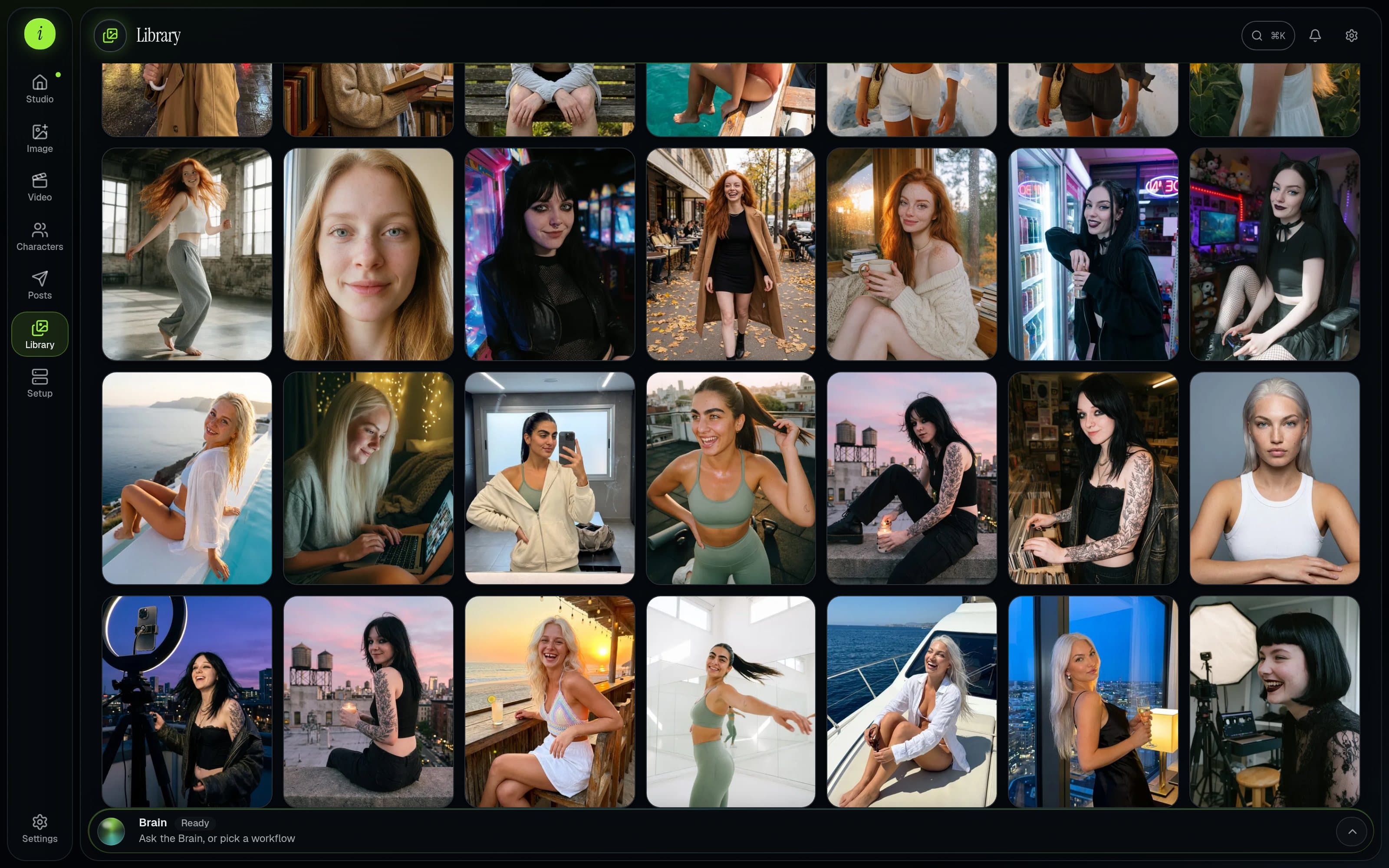
Library
Every photo and clip you have made, with the recipe to make more of it.
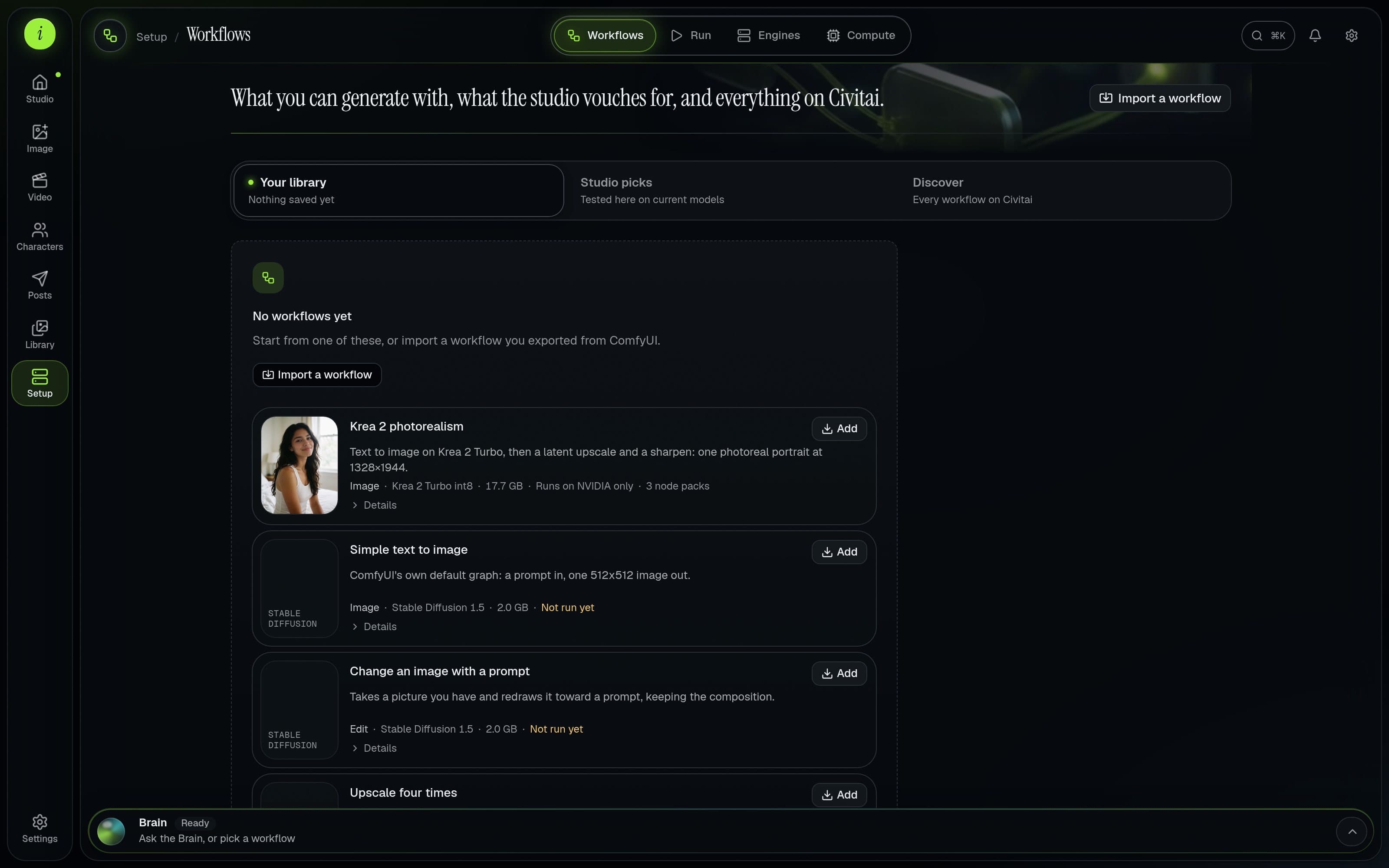
Workflows
Your workflows, tested ones that just work, and all of Civitai, set up by the Brain.
Run
Run any workflow as it is, with a clean form instead of a graph.
Compute
Rent a GPU by the hour when yours is not enough. See the price as it runs; it stops when the work is done.
Memory
Everything the Brain has learned from past fixes, reused so the next setup is faster.
Screens of the studio on this page are real. Pictures and clips of people are illustrations of what each tool is for.