Early access
The studio, on your machine.
Your characters, models and outputs live on your computer. The AI is included and ready the moment you sign in.
The installer is in early access. Leave your email and we send it the day it opens.
Or create your free account now and get it first.
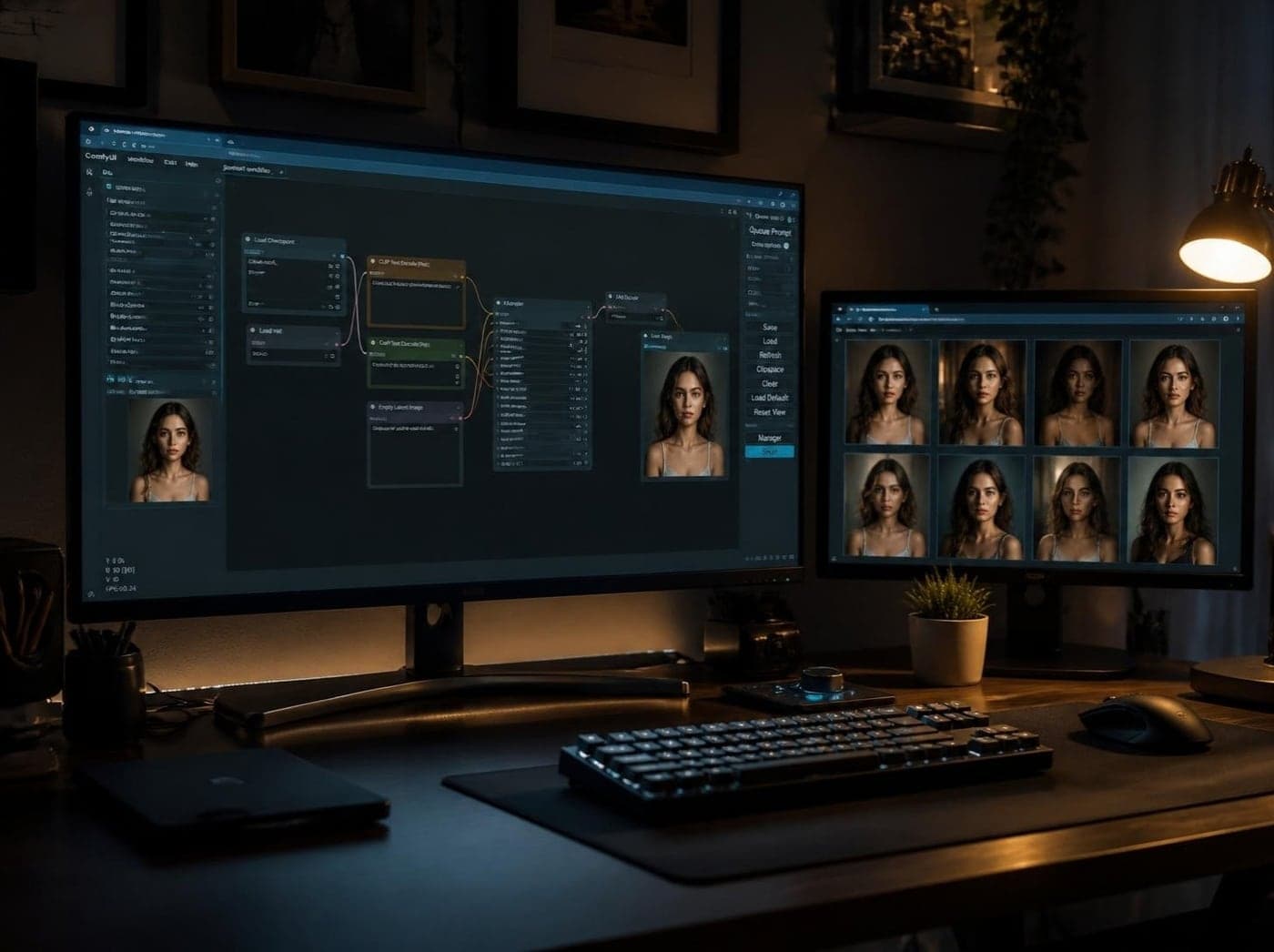
What it runs on
One of these is enough. Most people start with the first and rent for the heavy jobs.
- Your own GPU
- ComfyUI running on your machine. An NVIDIA card with 8 GB of VRAM handles SDXL; Flux and video want 12 to 24 GB.
- A GPU by the hour
- No card? The studio rents one for you, shows the price before it starts and shuts it down when you stop. You pay the host directly.
- Services you already use
- Already pay for an image or video service? Connect it and the studio can create with it too. Optional.
Three steps in
About five minutes if ComfyUI already runs. Stuck anywhere? The help center walks through each one.
- 1
Install
Run the installer. The studio opens in its own window and keeps everything in one folder on your disk.
- 2
Sign in
Press Sign in. The studio shows a short code and opens this site; approve it and you are in.
- 3
Pick where pictures are made
Use the ComfyUI on your computer, or rent a GPU from inside the studio. The AI is ready from the start.
Seven days free, then one price.
Every tool, every update and the Brain. Cancel in two clicks.