Musetta Capture · browser extension
Save it from the feed.Remake it with her.
One press saves any post from Instagram, TikTok, Pinterest or X to your studio, ready to remake with your character.
On its way to the Chrome Web Store
The install button appears here the day the listing is live. It connects to your studio, so start there.
Get early accessBuilt for
- Chrome
- Edge
- Firefox
- Brave
Saves from
- TikTok
- X
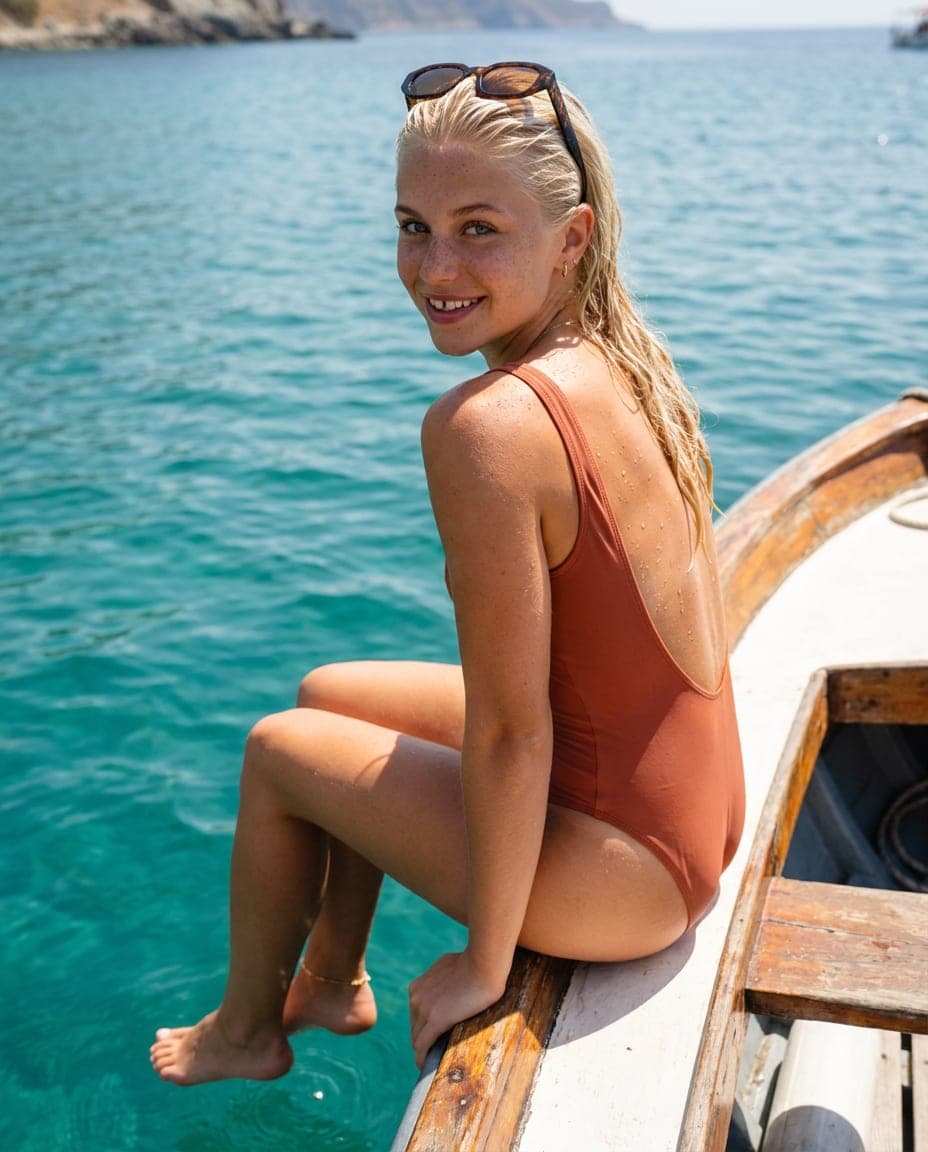
sea.days no signal, no problem
Example posts, characters and prices. Every person shown is a fictional character made in the studio; the left one stands in for any public post.
It lands on Trends, already read.
Trends
Posts that are working now, and how to make them with your character.
Instagram@sea.days
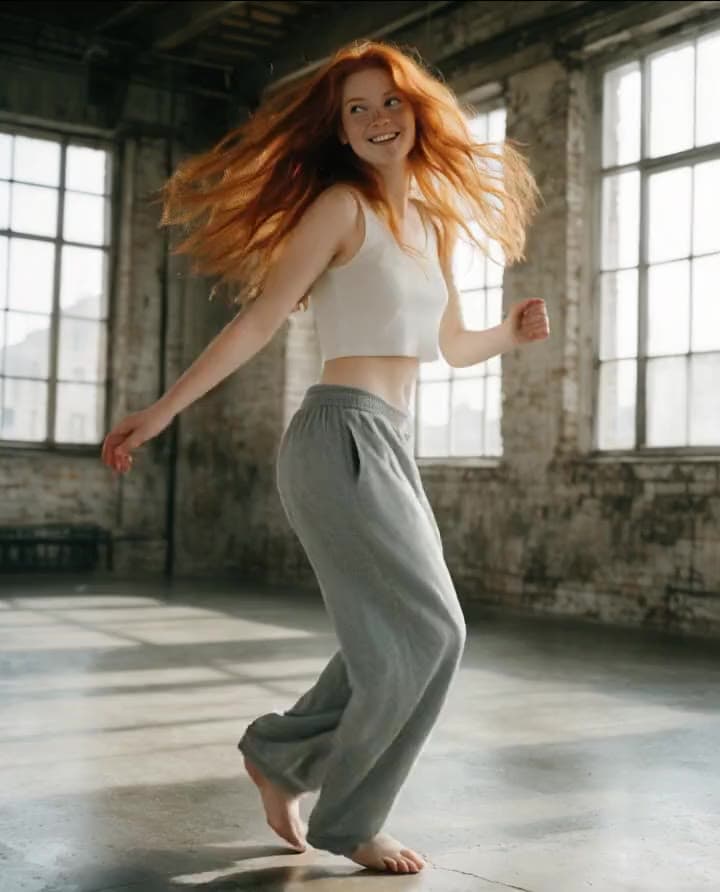 TikTok
@loft.moves
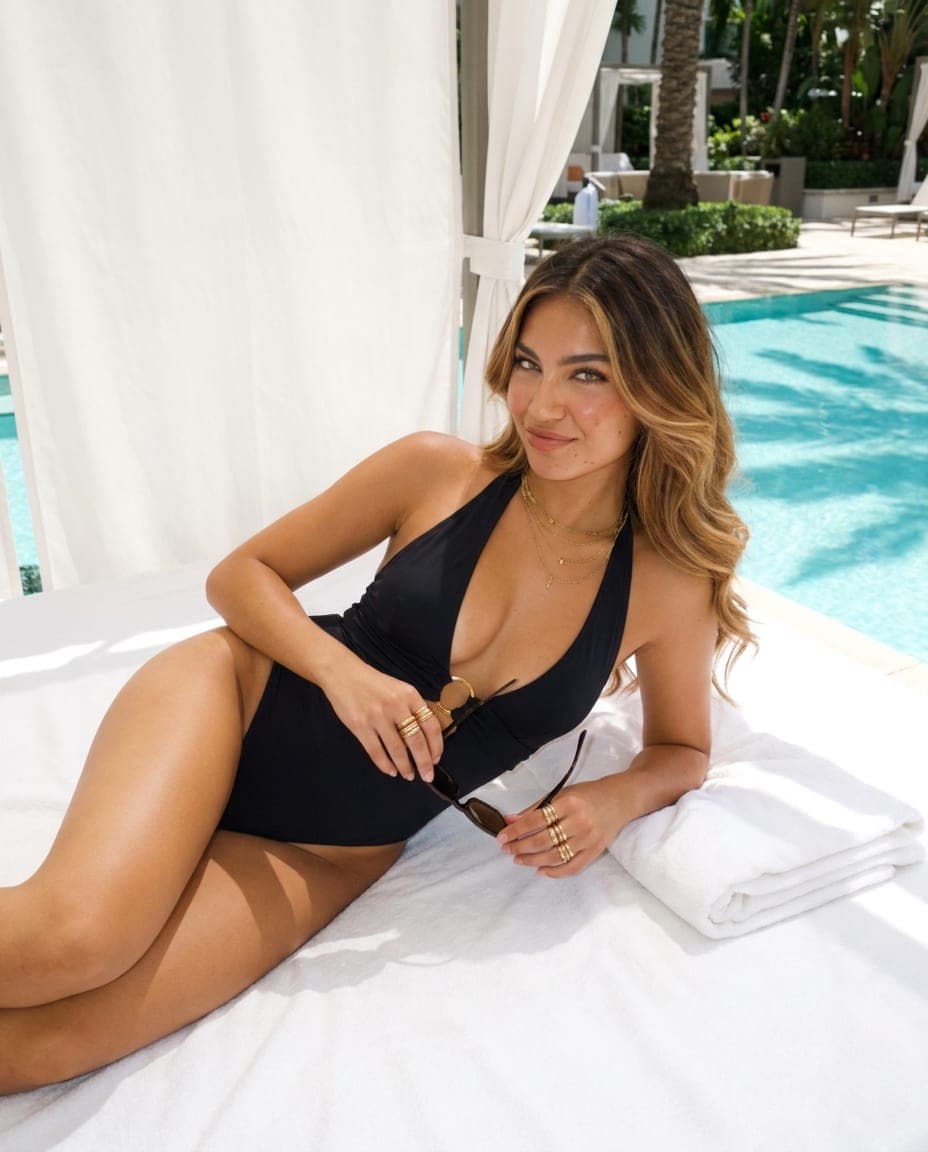 Pinterest
@pool.moodboard
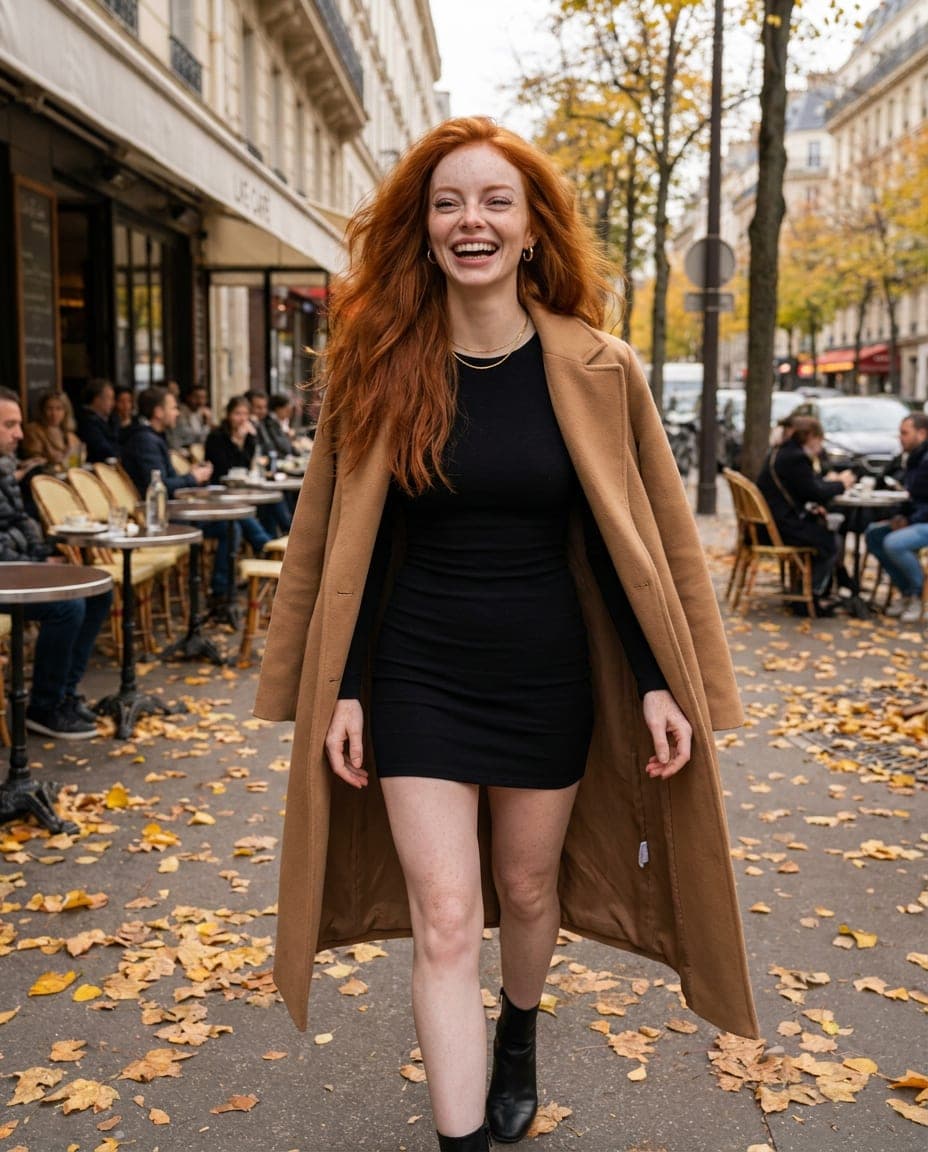 X
X@city.walks
Breakdown
Look back over the shoulder
4:5Best in Create
A candid turn reads as a moment, not a pose, and the open space behind her keeps every eye on the face.
- 01Seated, back to camera, knees drawn up
- 02Head turned over the left shoulder, half smile
- 03Low warm sun from the side
candid photo of Freya seated, back to camera, looking back over her left shoulder with a half smile, warm low sun, 35mm, natural skin
Connected in under a minute.
- 1
- 2
Add Capture
It finds your studio on its own and opens the Connect page.
- 3
Press Allow
Once. From then on, one press on a post saves it to Trends.
50 MBStudio closed? Saves wait in the extension and sync the next time it runs.
A mark on four feeds. A menu everywhere else.
Hover a post and press the mark in its corner. Ads never get one.
- InstagramPosts and reelsMark on every post
- TikTokVideos as you scrollMark on every post
- PinterestPins, image or videoMark on every post
- XPosts with images or videoMark on every post
Any other site
Right-click an image, a video, a link or the page itself.
What it touches. What it never does.
It does
- Puts one button on posts on Instagram, TikTok, Pinterest and X
- Saves from any other site when you right-click an image or video
- Shows the price before a Remake runs, reading the post included
- Sends what you save to your own studio, nowhere else
It never
- Reads a post you did not press
- Likes, follows, comments or posts for you
- Puts its button on ads
- Puts a private account’s post on the public feed
Questions, answered.
Is the extension free?
Yes. Capture is free with Musetta, and saving costs nothing. A Remake makes new pictures, so it uses credits, and the price shows before it runs.
Which browsers does it work in?
Chrome, Edge, Firefox and Brave. It is one extension for Chromium browsers and a Firefox build with the same features.
Does Musetta see what I save?
No. A save goes from your browser to the Musetta studio on your own computer and nowhere else. Your saved posts never pass through our servers.
What happens if the studio is closed?
The save waits inside the extension, up to 50 MB, and syncs the next time the studio is running.
Is it a downloader?
No. It is a reference board: you pick every post yourself, one at a time, as material for your own creative work. It never scrolls, crawls or collects on its own.