In short
Pika H3 Flex, opened on 29 October, is a six-step LoRA post-train of MiniMax H3 with three official Comfy templates. Turbo runs 4 to 8 steps and DMAD 4, and all three carry the MiniMax H3 license, which excludes the US, EU, UK and South Korea. Never stack them. No one has published a face-consistency test of the three yet, so run Flex for new work and keep a 20-step base render for finals.
If your character lives in video, the cost of a clip is the number of times you re-render it. Pika H3 Flex, opened on October 29, cuts MiniMax H3 from 50 sampling steps to six, and it ships as a LoRA, so it sits next to two older shortcuts: a Turbo LoRA and DMAD. The one fact to know before you download anything: all three still sit on the MiniMax H3 license, which excludes the US, EU, UK and South Korea.
We did not render a head-to-head. Nobody has published one against Turbo yet, and Pika's own numbers compare Flex only with the base model. What follows is what the model cards, Comfy's docs and Pika's research post support, where they disagree, and what to load first. It builds on our MiniMax H3 review and the Turbo workflow breakdown.
The short answer: which LoRA to run
- Start with Flex if you want the newest six-step recipe with three official Comfy templates (text to video, first and last frame, reference to video). It is the only one of the three with a launch write-up, a method and stated limits.
- Stay on Turbo if you already run Comfy's
turbo_modeand your clips are short tests. It is documented in our earlier breakdown and its adapter card says 6 to 8 steps look noticeably better than 4. - Try DMAD only if you want four steps and accept a thinner paper trail: its model card lists MiniMax H3 students at 4 steps, a newer 8-step one, and little else about quality.
- Never stack them. Comfy's Flex page says adding a turbo or Lightning LoRA on top of Flex breaks the output, because the adapter is already distilled.
- Keep a base render for finals. One tester in the Flex early-access channel planned a 20-step render for the approved clip. That is the same habit we recommend in the distilled vs base guide.
The three adapters side by side
| What | Pika H3 Flex | MiniMax H3 Turbo (larryvrh) | DMAD (MiniMax H3 students) |
|---|---|---|---|
| Steps | 6 (trained schedule, 50 for the teacher) | 4 to 8; 6 to 8 look better than 4 | 4, plus a newer 8-step student |
| Adapter size | 1.96 GB BF16 for ComfyUI, 2.77 GB FP32 | About 744 MB, bf16 | 1.4 GB, or 2.0 GB in ComfyUI format |
| Adapter license | MiniMax H3 Community License Agreement | Apache-2.0 on the adapter, base model's license still applies | Follows the base: MiniMax H3 Community License Agreement |
| Official templates | Text to video, first and last frame, reference to video | Comfy's turbo_mode uses an 8-step LightX2V file | None found; model card shows a Diffusers snippet |
| ComfyUI setup | LoraLoaderModelOnly at 1.0, lcm sampler, ManualSigmas, BasicGuider CFG 1.0 | Keep the scheduler on simple | ComfyUI-format file listed on the card |
| Known weak spots | Camera moves approximate; physics and multi-scene named by Pika | Smear or ghosting at 4 steps on fast motion; card calls it a preview | Not stated |
| First published | 29 October 2026 | Not stated on the card | 2 October 2026 (first MiniMax-H3 students) |
The license is the same for all three
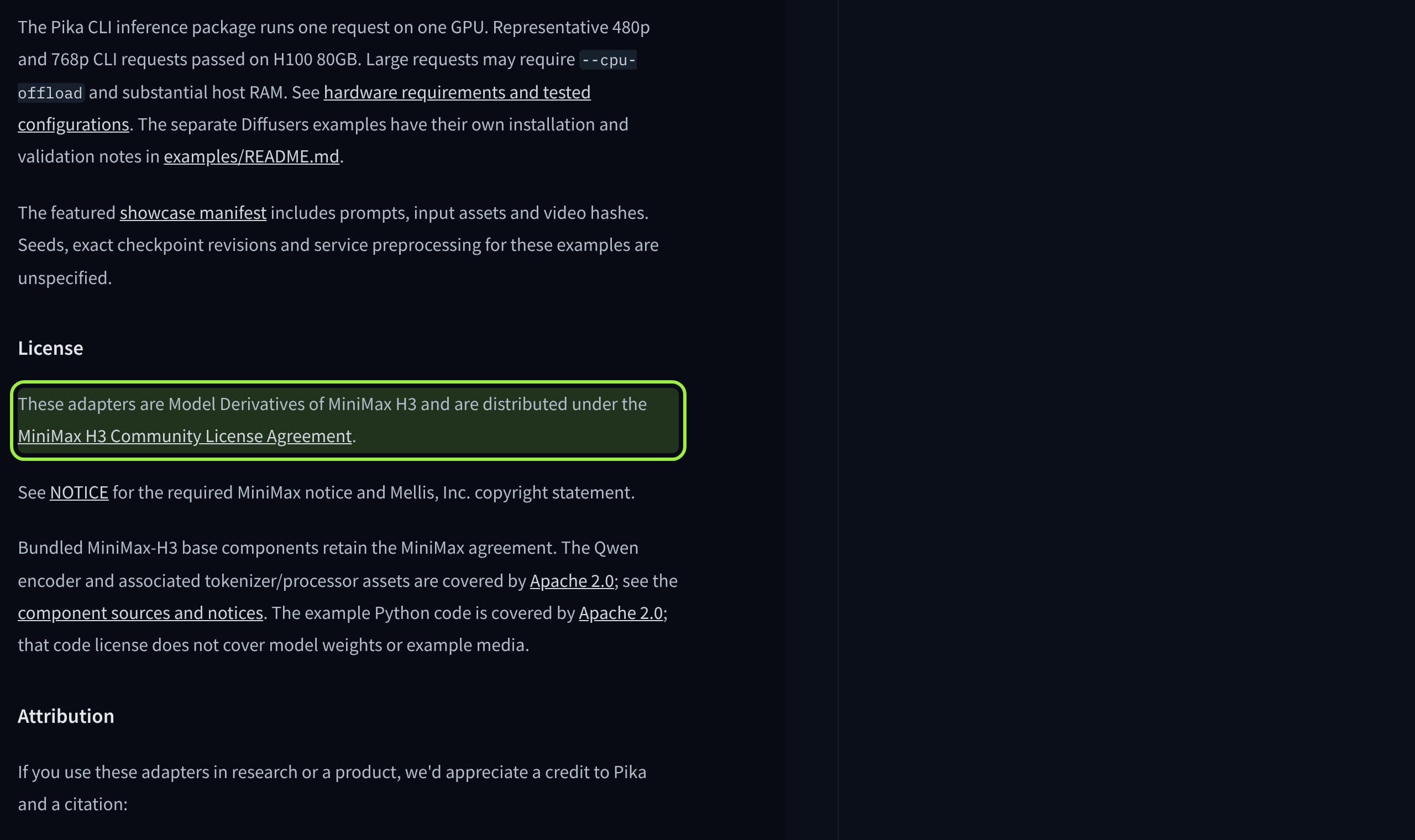
The adapters are small, the base is not: the model card lists base components of about 210 GB and a 33B parameter model. Whatever adapter you pick, you are running MiniMax H3, and its license applies worldwide except the European Union, the United Kingdom, South Korea and the United States, with written authorization required above 20 million US dollars of yearly revenue. Commercial products must show "MiniMax H3" in the interface, and the Works or their Outputs cannot be used to improve other AI models.
MiniMax says it claims no rights over the outputs you generate. For a creator building a character feed, the territory line is the part to read first. The MiniMax H3 model card also links an application form meant for the USA, EU, UK and South Korea.
What Pika says Flex is good and bad at
Pika's research post describes three stages: supervised fine-tuning to a 50-step teacher, step distillation with Projected Distribution Matching Distillation because standard DMD was unstable in their runs, and reward learning (ReFL for aesthetics, DPO for instruction following) merged as LoRAs. On its own 768p prompt set Flex scores 12.3 against 11.7 for MiniMax H3 on the VT metric and 7.02 against 6.85 on AA.
Pika's own numbers, from its research post
- Speed
- 3.409 s to 2.129 s per 5 s 768p clip with audio on eight B300 GPUs, 1.60 times faster
- Quality metrics
- Flex ahead of MiniMax H3 on five of seven; A-V and T-V roughly level
- Human preference
- Leads on anatomy, complex composition and audio sync for text and image to video
- Where others win
- Physics, multi-scene narrative, lighting and materials, action-heavy reference tasks
- Not reported
- A quality comparison between the six-step model and its 50-step teacher
- Scope
- All benchmarks are Pika's own, at 768p only
Read the last two rows twice. A distilled model that beats its base on a vendor's metrics is common; one that shows no six-versus-fifty comparison leaves the question that matters for a face open: does identity survive when the model has fewer steps to settle it? Pika's seven-second headline is DiT compute for a 15 second clip, not the wall-clock time you will see in ComfyUI.
How to set Flex up in ComfyUI
- 1
Update ComfyUI
Comfy's page lists 0.43.2 as the minimum for the text to video template and 0.30.0 for the other two.
- 2
Download the shared files
The
qwen3vl_32b_minimax_h3_nvfp4_awqtext encoder, the int8 video VAE and the fp32 audio VAE go intext_encodersandvae, as in the MiniMax H3 templates. - 3
Pick the template and its two files
Text to video and first and last frame use the
fl2vapruned int8 model plus thefl2vaFlex LoRA. Reference to video uses theref2vapair. - 4
Leave the sampler alone
lcm,ManualSigmaswith Pika's published six-step schedule (sigma knots 1000, 750, 500, 250, 100, 40, 0),BasicGuiderat CFG 1.0, LoRA strength 1.0. - 5
Do not add steps or a second speed LoRA
Six is the trained schedule, and Comfy's page says a shorter sigma list breaks it. Test at 768p, then decide if a base render is worth the wait.
Reduced from the settings on Comfy's Pika H3 Flex page. The reference to video template adds up to 9 images, 3 videos and 3 audio clips.
What this means for a recurring face
None of the three is a face tool. Flex adds a reference mode, with at most 9 images, 3 videos and 3 audio clips, and Pika says other systems are preferred on complex reference control. So for a character with a fixed look, treat reference mode as a way to steer a clip, not as proof the face is locked. The same caution we gave for LTX-2.5 image to video applies: test one clip before planning a week of reels, and use a character LoRA when identity matters.
Early testers describe the working pattern. One chained a six-step pass at 960x544, a latent upscale and a four-step pass at 1920x1088, reaching 2560x1440 in 3 minutes 17 seconds, while another saw popping on fine detail such as distant birds at four steps and kept six. That points to a draft-fast, finish-slow workflow rather than one speed LoRA for everything.

What creators are saying
Within hours of the release, one person asked on the model page which sigma shift value Pika uses for video and for audio, which the model card does not state.
Another asked how to resolve the CFG distillation problem in the supervised fine-tuning stage, a sign that people want to reproduce the recipe, not only run it.
A tester in the early-access channel reported popping on high-frequency detail at four steps and recommended keeping six.
A user of the DMAD LoRA said it works well and leaves the audio unchanged; another asked for LoRAs in ComfyUI format, which the card now lists.
Verdict
Run Flex first for new work: it has the best documentation, official templates and honest stated limits, and Comfy tells you exactly what not to do. Keep Turbo if your graph already works. Treat DMAD as the experiment. If you earn money from the clips, read the territory line in the license before choosing any of them.
What we cannot say yet is which of the three keeps a face best, because nobody has published that test. When one appears we will update this article with the numbers.
- 1
Pika H3 Flex
The default new pick: six steps, three official templates, the clearest limits.
Best for: Fresh clips, reference-to-video experiments
- Official Comfy templates
- Method and caveats published
- Same territory license
- Benchmarks are Pika's own at 768p
- 2
MiniMax H3 Turbo
The safe choice if your graph already uses it.
Best for: Quick tests and face-large batches
- In Comfy's turbo_mode
- Smallest adapter at about 744 MB
- Preview status on the card
- Smear at 4 steps with fast motion
- 3
DMAD
The four-step experiment with the least public detail.
Best for: Testers who want the fewest steps
- 4 and 8 step students
- ComfyUI-format file
- No official template found
- Quality claims not stated on the card
If you test them on your own character, Musetta runs on your own ComfyUI and keeps the character's reference photos, so swapping the adapter is a test and not a rebuild. The consistent character guide covers the rest of the pipeline.
Questions
- Is Pika H3 Flex open source?
- Its adapters and inference code are public, but they are distributed under the MiniMax H3 Community License Agreement, which excludes the US, EU, UK and South Korea. The 1080p to 4K upsampler, audio stems and prompt enhancement stay hosted by Pika.
- How many steps does Pika H3 Flex use in ComfyUI?
- Six, with the lcm sampler, ManualSigmas, BasicGuider at CFG 1.0 and the LoRA at strength 1.0. Comfy's page warns that raising steps or shortening the sigma list breaks the trained schedule.
- Can I combine Flex with a Turbo LoRA?
- No. Comfy's Flex page says stacking a turbo or Lightning LoRA on top of the already distilled adapter breaks the output.
- Is Flex better than MiniMax H3 Turbo?
- Pika's own evaluation puts Flex ahead of base MiniMax H3 on five visual and audio metrics, but no one has published a direct comparison with Turbo, and Pika says other systems win on physics and multi-scene narrative.
- How much VRAM does Flex need?
- The pages do not say. The model card reports tests on a single H100 80GB with optional CPU offload, and the base components are about 210 GB to download.
Sources
- 01Introducing Pika H3 Flex · Pika, 2026-10-29
- 02Pika H3 Flex research post: distillation, benchmarks, limits · Pika, 2026-10-29
- 03Pika-Labs/Pika-H3-Flex model card · Pika, Hugging Face
- 04Pika H3 Flex ComfyUI workflows · Comfy docs
- 05MiniMax H3 Community License Agreement · MiniMax, Hugging Face
- 06MiniMaxAI/MiniMax-H3 model card · MiniMax, Hugging Face
- 07larryvrh/MiniMax-H3-Turbo-Lora model card · larryvrh, Hugging Face
- 08ZhengmingYu/DMAD model card · ZhengmingYu, Hugging Face
- 09Pika H3 Flex turns MiniMax H3 into a six-step ComfyUI LoRA · ComfyUI Wiki, 2026-10-29
- 10Pika-H3-Flex discussion 1: sigma shift · Hugging Face
- 11Pika-H3-Flex discussion 2: CFG distillation · Hugging Face
Researched and written by the Musetta editorial desk with AI assistance, from the sources above. Numbers come from those sources; nothing is benchmarked by us unless the article says so. Spotted an error? Tell us on Discord and we fix it.