In short
Krea 2 Identity Edit puts a person from one reference photo into a new scene with no training; a character LoRA learns the face from a dataset. Edit is fastest for one-off restaging, a LoRA is steadier for a face that recurs daily. V2 of the edit LoRA is free only for non-commercial use.
The most downloaded identity tool for Krea 2 is not a trained character LoRA. It is Krea 2 Identity Edit, a community adapter that takes one photo of a person and restages them in a new scene, pose and outfit. Its Hugging Face page shows 202,929 downloads last month. For anyone running a recurring character, that raises one question: do you still need to train a LoRA, or is a single reference image enough?
This explainer answers it by mechanism, not by taste. Both tools carry identity into an image, but they get it from different places, and that decides where each one drifts. Everything below is read from the model card, the node repository or a linked guide; where a number is one author's own test, it says so. For the training side, see our guide to training a character LoRA and the LoRA training tools ranking.
Two ways a model learns a face
A character LoRA is a small set of weights trained on a dataset of one person. After training, the face lives inside the model, so every prompt that calls the LoRA draws on the same learned prior. A virse.ai guide puts it as identity that is "learned across a dataset rather than inferred repeatedly from one reference", and reports that one workflow used 40 to 50 images and roughly 1,000 to 1,500 steps on 16 GB of VRAM for strong perceived likeness. The author calls that result subjective, not a benchmark.
Identity Edit trains nothing for your character. Its node pack, comfyui-krea2edit, has two nodes: Krea2EditModelPatch prepends the VAE-encoded source image to the model as in-context tokens (what the face looks like, pixel for pixel), and Krea2EditGroundedEncode shows the same image to the text encoder while it reads your instruction (what is in the scene). Identity is re-inferred from the photo on every run.
Left path: identity is read from the photo at every render. Right path: identity is trained into the weights once. Both feed the same Krea 2 model, and the card says they stack.
What each one keeps, and where it drifts
| Question | Identity Edit V2 | Character LoRA |
|---|---|---|
| Setup cost | One photo, two nodes, 8 steps at CFG 1 on Turbo | A dataset and a training run (one guide: 40 to 50 images) |
| Faces with unusual geometry | Drift toward typical proportions (v1.x card: texture-faithful, geometry-conservative) | Learned from many angles, so geometry is seen repeatedly |
| New outfit or scene | Strong: restaging is the job; clothing from the reference can carry over | Depends on how varied the dataset was |
| Two people in one frame | Faces can drift toward each other; the repo says separation is imperfect | Needs regional or one-at-a-time tricks |
| Risk | Objects and clothes leak from the reference; fidelity can change between versions | Overfit to the dataset's poses and lighting |
| License | V2: free non-commercial, commercial by agreement | Yours, within the base model's license |
The license is the deciding line for a monetized account
This is where V2 differs from what older write-ups say. The model card for V2 states: "free for personal / non-commercial use; commercial use needs a license from me, case by case". The repository commit that added LICENSE_V2.md says the V2 files may be run and fine-tuned free of charge for non-commercial purposes and that commercial use is permitted only with a commercial license from the author. It also says v1, v1.1 and v1.2 stay under their original terms. The Krea 2 Community License still applies on top.
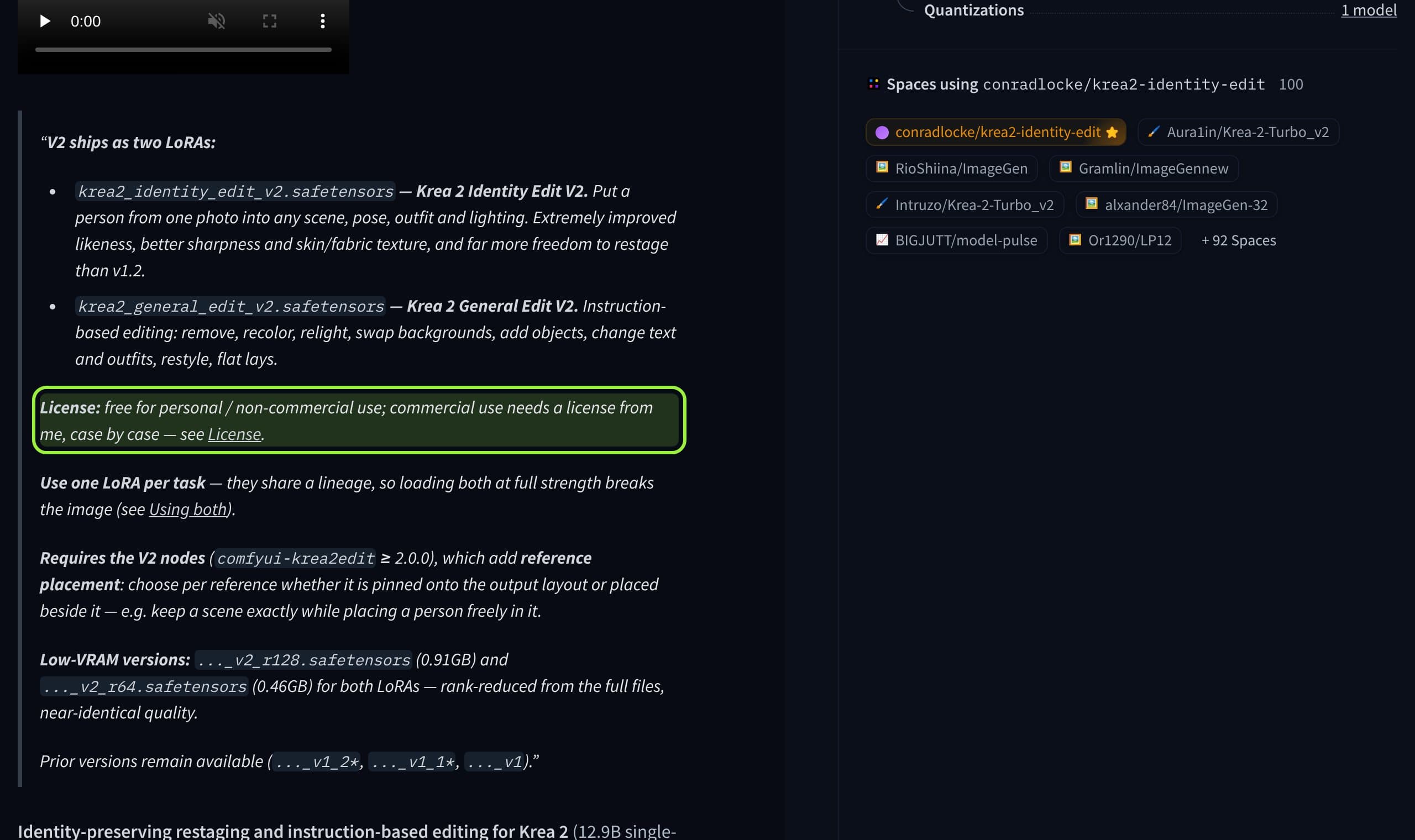
Whether a brand or creator account counts as commercial use is a question for the license text and, if it matters, a lawyer, not for this article. Our reading: an account that sells, sponsors or monetizes should assume V2 needs the author's license, and should check which version file it is actually loading. A LoRA trained on your own character dataset sits under the base model's terms instead. For that, our Krea 2 vs Qwen-Image 2.1 comparison and the MOSS Image comparison list each base license.
Settings that matter if you use Identity Edit
From the V2 model card and the node repo
- Base
- Krea 2 Raw or Turbo; adapter is 12.9B single-stream MMDiT per the card
- Fast path (Turbo)
- 8 steps, CFG 1.0, ref_boost 2, grounding_px 768 to restage one person
- Removals (Raw)
- 20 steps, CFG 3.0; Turbo at CFG 1 tends to re-render the subject
- grounding_px
- Default 768; try 1024 for people, 512 for stubborn scene changes
- Resolution
- Generate at 2 MP or less; above it, source content bleeds or subjects duplicate
- Low-VRAM files
- r128 is 0.91 GB, r64 is 0.46 GB
- One LoRA per task
- Identity Edit and General Edit share a lineage; loading both at full strength breaks the image
Pick by how often the face returns
- 1
Train a character LoRA
The default for a face that appears every day.
Best for: A named character with a feed
- The face is learned once and stays in the weights
- No dependency on someone else's versions or license
- Needs a dataset and a training run
- Poses and lighting can overfit
- 2
Identity Edit on one reference
The fastest way to restage a face you have a good photo of.
Best for: One-off scenes and outfit tests
- No training
- Eight steps on Turbo
- Geometry drifts for distinctive faces
- V2 needs a license for commercial use
- 3
Both stacked
The card says character, body and style LoRAs stack with it.
Best for: A trained face plus a new scene from a reference
- Each tool covers the other's weak spot
- More variables to tune, and strengths interact
What creators are saying
A poster says Identity Edit V2 is a great improvement overall but may be a step backward in identity fidelity compared with the earlier version.
Another thread proposes loading v1.2 and v2 together to keep the identity while keeping V2's creativity on Krea 2 Turbo.
A user reports that every generated person's face looks the same, and asks whether that is expected.
A ComfyUI forum poster trained a character LoRA and still got results where some images looked like other people.
ComplaintComfyUI forum
Our verdict
If the face is your product, train the LoRA and keep Identity Edit for outfit tests and one-off scenes, because one photo cannot say what a face does from the side. If you only need a character for a single campaign and your use is non-commercial, Identity Edit is the cheaper start. If it is commercial, read the V2 license before building a pipeline on it. This is a reasoned view from documentation, not a measured face-similarity test; run your own character through both on five poses before you decide.
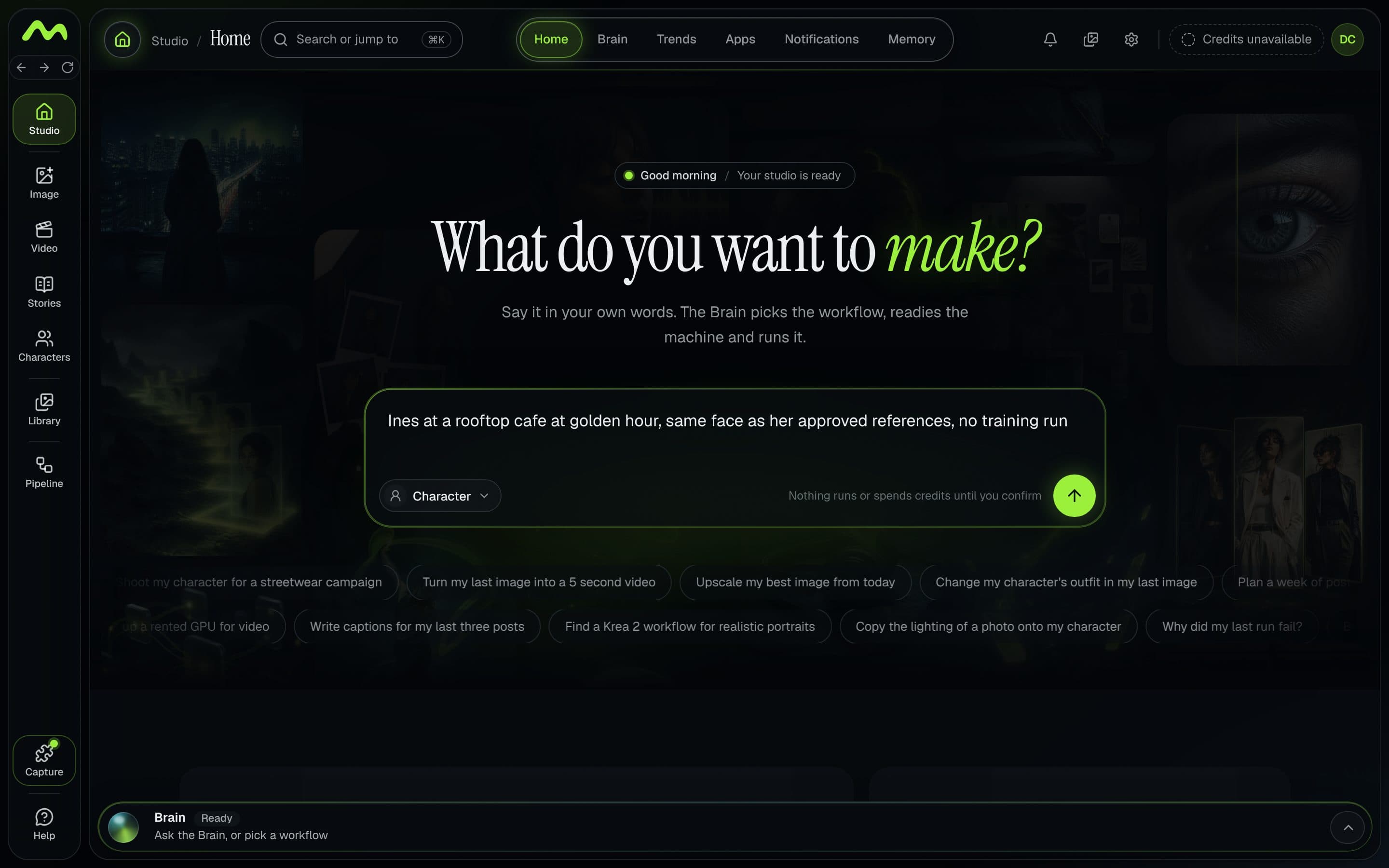
Musetta runs on your own ComfyUI and keeps each character's approved reference photos, so whichever route you pick, the same references feed the draft and the final.
Questions
- Is Krea 2 Identity Edit a LoRA?
- Yes. It is a community adapter for Krea 2 that ships as LoRA files plus a ComfyUI node pack. It does not train on your character; it reads a reference photo at every render.
- Can I use Krea 2 Identity Edit V2 for commercial work?
- Only with a commercial license from the author. The V2 card says it is free for personal and non-commercial use and commercial use is agreed case by case. v1, v1.1 and v1.2 stay under their original terms.
- Do I still need to train a character LoRA?
- For a face that appears every day, a trained LoRA is the steadier choice, because identity lives in the weights. Identity Edit is faster for one-off restaging. The model card says character LoRAs can stack with it.
- What settings does Identity Edit V2 use on Turbo?
- The card lists 8 steps, CFG 1.0, ref_boost 2 and grounding_px 768 to restage one person. Generate at 2 MP or less.
Sources
- 01conradlocke/krea2-identity-edit model card · Hugging Face, 2026-10-29
- 02V2 license commit (LICENSE_V2.md) · Hugging Face, 2026-10-29
- 03lbouaraba/comfyui-krea2edit · GitHub, 2026-10-29
- 04Identity Edit community tab · Hugging Face, 2026-10-29
- 05Krea 2 Guide: Style References and Identity Editing · virse.ai, 2026-08-28
- 06Character consistency issue with LoRA in ComfyUI · ComfyUI forum
- 07krea/Krea-2-Raw model card · Hugging Face, 2026-10-29
Researched and written by the Musetta editorial desk with AI assistance, from the sources above. Numbers come from those sources; nothing is benchmarked by us unless the article says so. Spotted an error? Tell us on Discord and we fix it.