How to create an AI influencer in 2026, step by step
Updated · 7 min read
The short answer
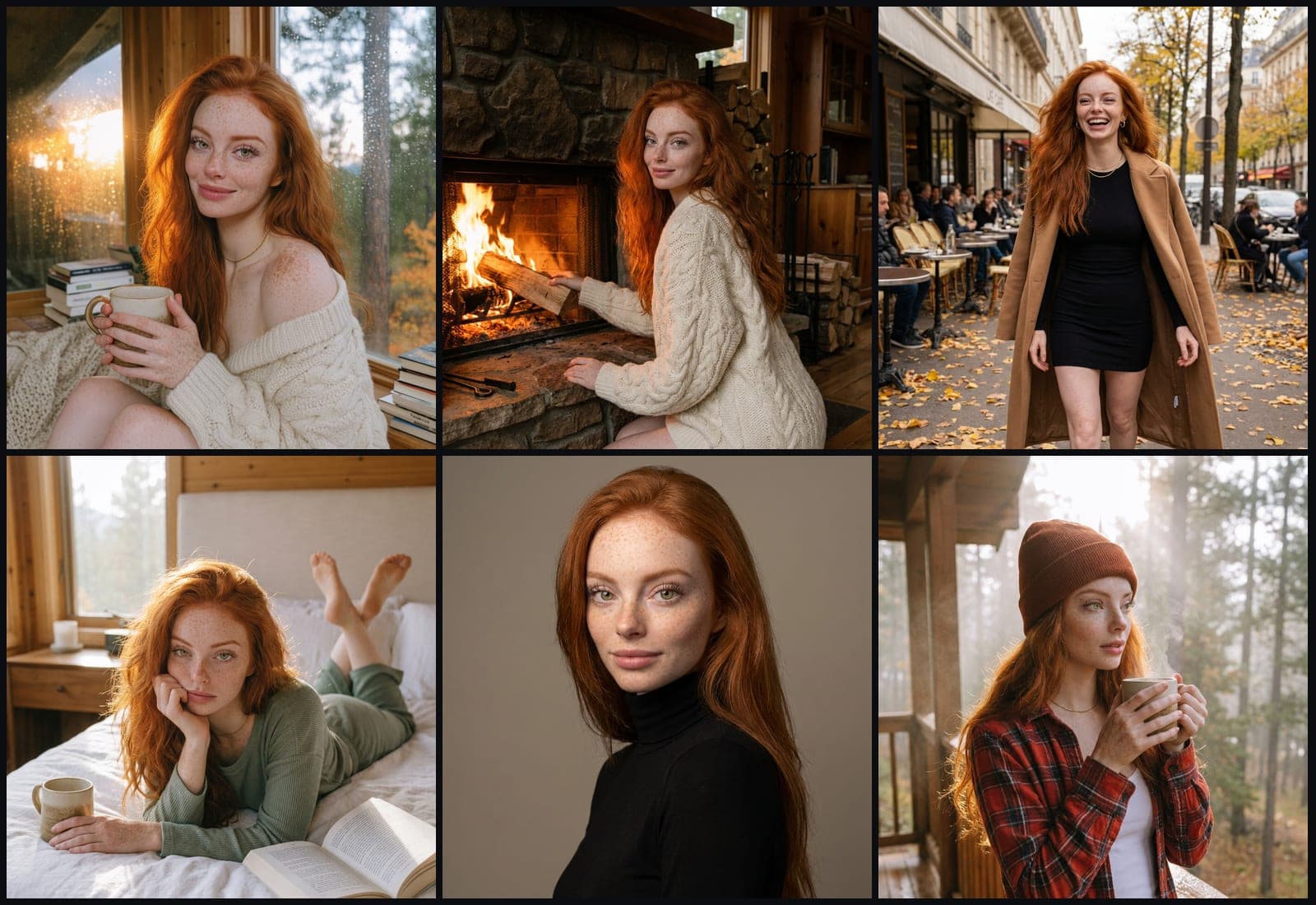
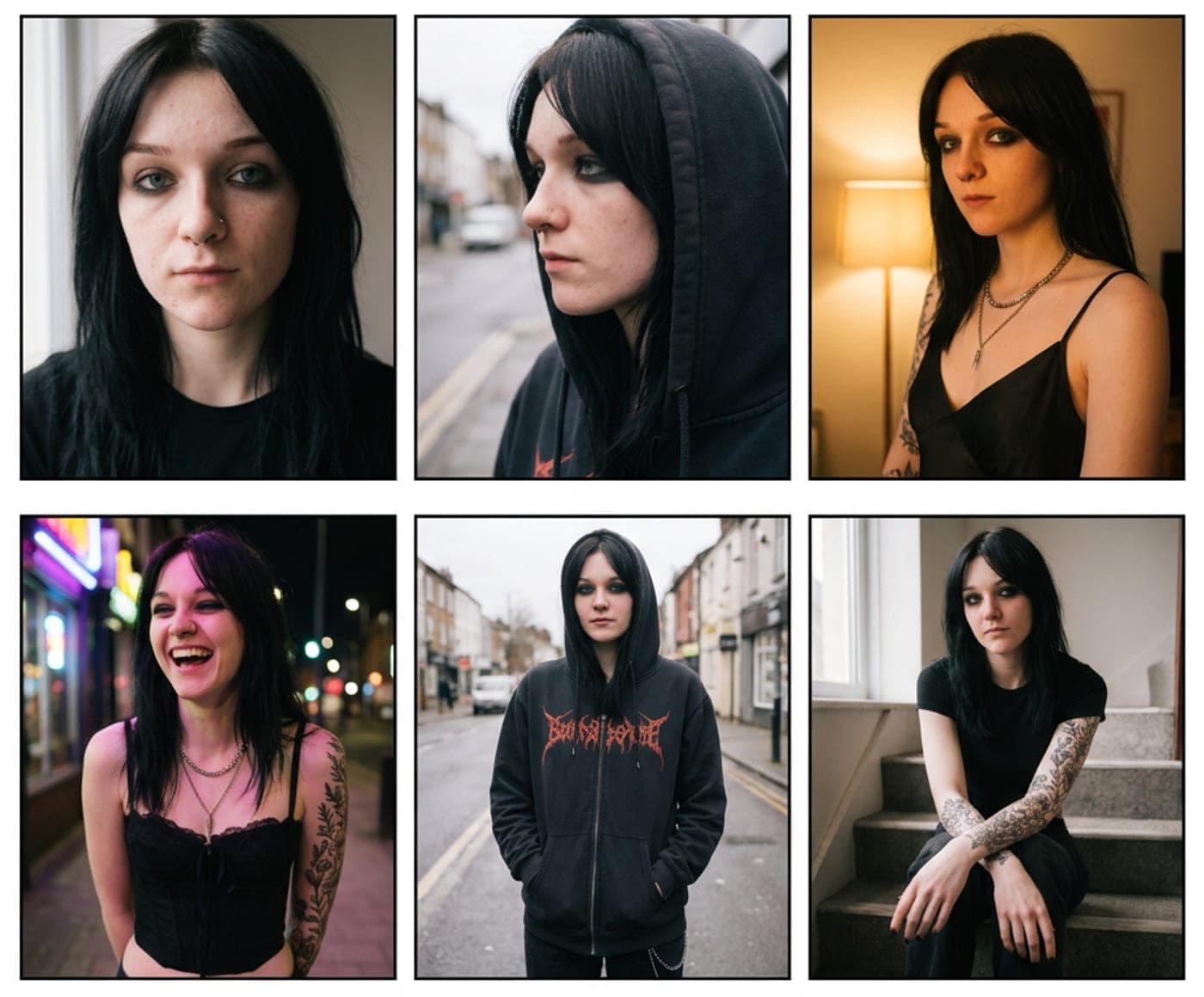
To create an AI influencer: design one character with a fixed look, build a small dataset of her, train a character LoRA so every image is recognisably the same person, then produce photos and short videos from that LoRA in ComfyUI and post them on a schedule with the platform’s AI label switched on. Consistency is the whole game: an audience follows a person, not a style.
What you need before you start
You need an image engine, a way to keep one face consistent, and a publishing habit. Most serious creators use ComfyUI as the engine because it runs any open model (SDXL, Flux and newer) and lets you build exactly the pipeline you want. If a node graph is not for you, these ComfyUI alternatives trade some control for simplicity.
A consumer GPU with 12 GB of memory or more runs most image workflows at home. Training and video need more, which is why many creators rent a GPU by the hour for those steps instead of buying one.
- An engine: ComfyUI on your own GPU, a rented GPU, or an image API
- A base model you like for faces and skin, usually found on Civitai
- A character concept: name, age range, style, where she lives, what she posts
- Somewhere to keep every output with the settings that made it
Step 1: design the character
Decide who she is before you generate anything. Write down her face (eye colour, face shape, hair), her wardrobe palette and the two or three places she is photographed. These choices become the prompts you reuse for months.
Generate 50 to 100 portraits from one strong prompt and pick the single face you would want to see every day. That image is your reference.
Step 2: make her consistent
A fixed seed and a long prompt are not enough: change the pose or the light and the face drifts. The dependable fix is a character LoRA, a small model trained on images of her, loaded on top of your base model with a trigger word.
Until the LoRA exists, a face-reference method such as IP-Adapter, InstantID or PuLID keeps her close enough to build the training set. Our guide on consistent characters covers both routes in detail.
Step 3: build a dataset and train a LoRA
Use the reference and a face-reference workflow to make 20 to 40 varied images of her: close-ups and full body, different angles, expressions, outfits and light. Throw away any image where the face is wrong; the LoRA learns your mistakes too.
Caption each image, add a unique trigger word, and train. On a rented 24 GB GPU a character LoRA usually takes well under a few hours. Test it on prompts that were not in the dataset before you rely on it.
Step 4: produce photos and reels
With the LoRA loaded, plan content the way a real creator does: a shoot per location, a few outfits, a mix of posed shots and candids. Pose tools let you copy a body position from any reference; copy and edit tools move a lighting setup or an outfit onto her.
For video, current open models such as Wan 2.2 can take a still of her and the motion of a reference clip and produce a short vertical video. Keep clips short and single-shot: cuts in the source clip break the motion.
Most of these workflows come from Civitai and ask for custom node packs you do not have yet. If one opens with red nodes, fix the missing ComfyUI nodes before you change anything else.
Step 5: post, label and learn
Post on a steady schedule and label AI-generated content where the platform asks you to: Instagram, TikTok and YouTube all have AI disclosure labels, and hiding it risks the account. Keep the recipe for every post so you can make more of what works.
Where Musetta fits
Musetta puts this whole workflow in one place on your own machine: it reads your models folder and matches files against Civitai, keeps characters consistent across every tool, trains LoRAs on a GPU you rent by the hour, runs your own ComfyUI workflows, and records the recipe of every output.
Questions
- Do I need a powerful computer to create an AI influencer?
- Not necessarily. A GPU with 12 GB or more handles most image work at home, and training or video can run on a GPU rented by the hour. API providers are another option if you have no GPU at all.
- How do I keep my AI influencer’s face the same in every picture?
- Train a character LoRA on 20 to 40 curated images of her and load it with its trigger word. Face-reference methods like IP-Adapter or PuLID help while you build that dataset.
- Do I have to label AI influencer posts?
- Yes, where the platform requires it. Instagram, TikTok and YouTube all have AI disclosure labels for realistic generated content, and following them protects the account.
Teaching this to your own audience?Earn 20% of every payment from the people you send, for 6 months.How it works