ComfyUI alternatives for AI influencers (2026)
Updated · 5 min read

The short answer
If you want ComfyUI’s models without its node graph, SwarmUI keeps ComfyUI underneath with a simple generate screen, and Forge gives a classic tabbed web UI. InvokeAI is the best canvas for editing, Fooocus the fastest way to a first image, and hosted apps need no install at all. For an AI influencer, the deciding questions are a consistent face and video: most new video and character workflows appear for ComfyUI first, so many creators keep it and put a simpler front end on top.
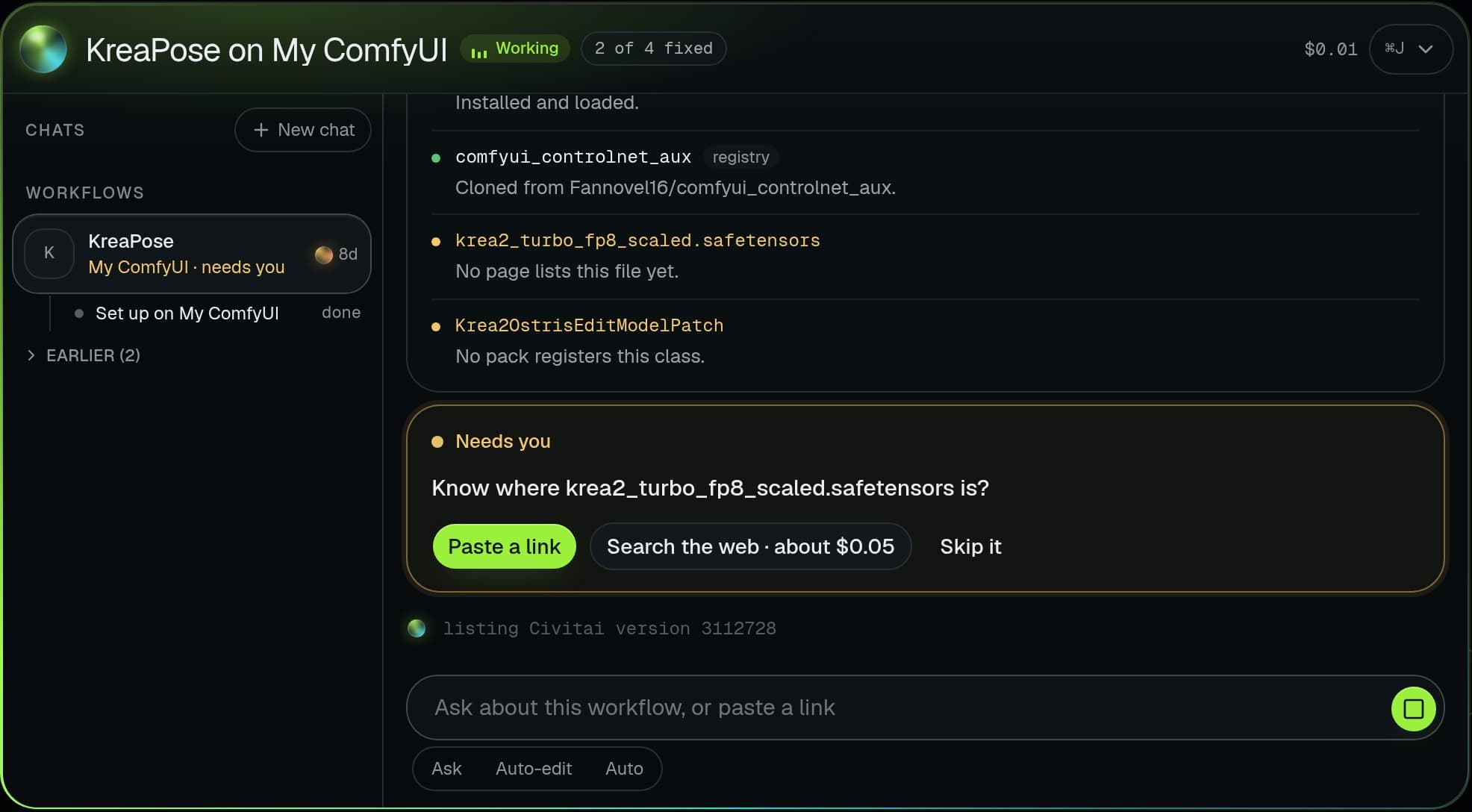
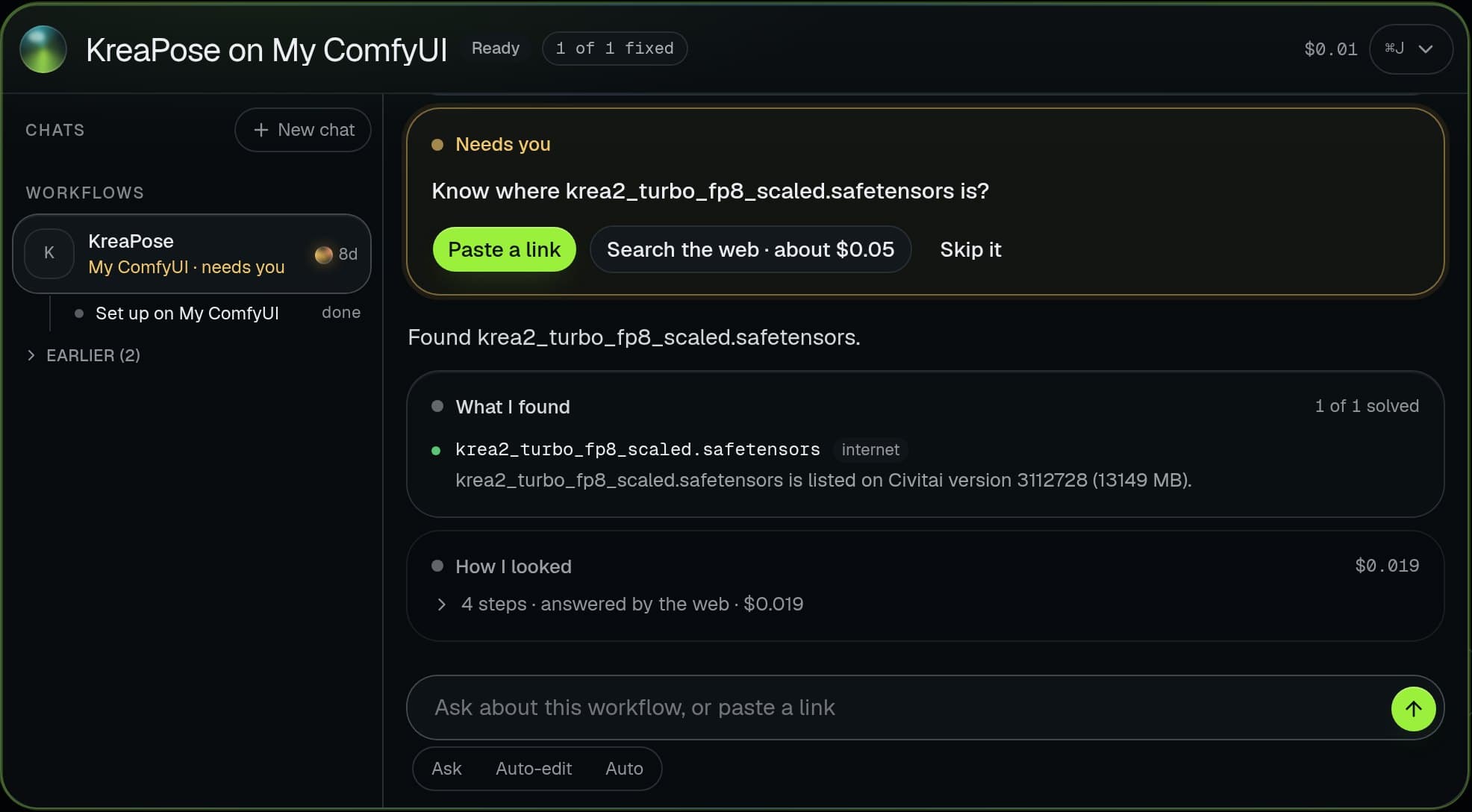
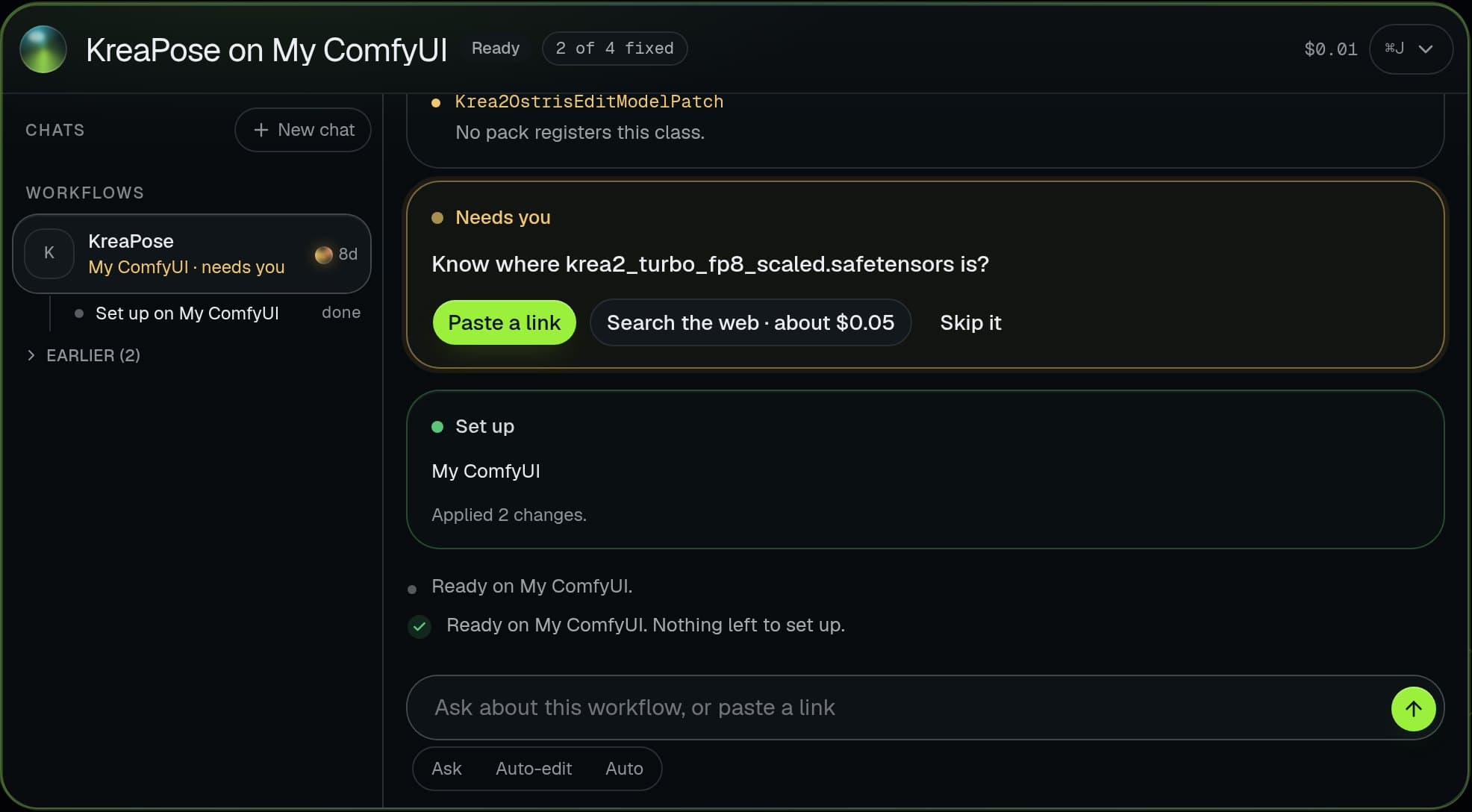
Real screens from the studio
The Brain setting up a downloaded workflow on a real ComfyUI. The workflow and its files are an example.
What actually matters for an AI influencer
Any of these tools makes a good single image. Running a character is different: the same face across hundreds of posts, short vertical video, the models people share on Civitai, and a way back to the settings behind any picture. Judge the alternatives on those, not on the first image.
| Tool | What it is | Character LoRAs | Video | Best for |
|---|---|---|---|---|
| Forge | A1111-style web UI, tuned for speed and memory | Yes | Not its focus | Classic tabbed UI on a modest GPU |
| SwarmUI | Simple generate screen with ComfyUI as its engine | Yes | Through its ComfyUI backend | Keeping ComfyUI power without the graph |
| InvokeAI | Canvas-first app with layers and inpainting | Yes | Not its focus | Editing and compositing images |
| Fooocus | Prompt-and-go app with few settings | Yes | No | A first image in minutes |
| Hosted apps | Web services that run models for you | Their own system | Usually, in credits | No install, low volume |
| Plain ComfyUI | The node graph itself | Yes | Yes, new models land here first | Full control |
Forge and SwarmUI: the same models, no node graph
Forge is a fork of the AUTOMATIC1111 web UI focused on speed and lower memory use. If you learned on A1111, it feels like home and runs your checkpoints and LoRAs from Civitai.
SwarmUI is the closest thing to ComfyUI without the graph: it drives ComfyUI as its backend, gives you a clean generate screen, and lets you open the full graph when you need it. That makes it the natural pick if you want new ComfyUI workflows without living in them.
InvokeAI and Fooocus: editing and simplicity
InvokeAI is built around a canvas: layers, masks, inpainting and outpainting. It is excellent for fixing hands, changing outfits or extending a frame, and less suited to running long batches of one character.
Fooocus hides almost every setting. It is the fastest way to a good first image and the hardest to push into a precise, repeatable look.
Hosted AI influencer apps
Nothing to install and results in minutes, paid per image in credits. The trade-offs are the models you are allowed to use, the price once you post every day, and your characters living on their servers; the local versus hosted comparison goes row by row.
When to keep ComfyUI
Keep it if you use video, face-reference or detailer workflows, because those arrive for ComfyUI first and often only there. The usual pain is not the graph itself but setup: missing nodes and models on every workflow you download, and keeping one character consistent across all of them.
That is the gap Musetta fills. It is not an alternative to ComfyUI but a studio on top of it: your ComfyUI keeps running every workflow, while the studio keeps her consistent, gives each workflow simple controls, and lets the Brain install whatever a new workflow is missing. See it against plain ComfyUI.
Questions
- What is the easiest ComfyUI alternative?
- Fooocus for a first image, SwarmUI if you want to keep using ComfyUI workflows later. Hosted apps are easier still, since nothing is installed.
- Can I use my Civitai models in these?
- In Forge, SwarmUI, InvokeAI and ComfyUI, yes: checkpoints and LoRAs from Civitai load directly. Hosted apps usually offer only their own models.
- Which one is best for AI influencer videos?
- ComfyUI, directly or through a front end that uses it as the engine, because open video models such as Wan 2.2 get ComfyUI workflows first.
- Is Musetta a ComfyUI alternative?
- No. It runs on your ComfyUI and adds characters, a model library, simple controls per workflow and the Brain for setup, so you keep everything ComfyUI can do.
Teaching this to your own audience?Earn 20% of every payment from the people you send, for 6 months.How it works